Invite and join
So everyone can add expenses themselves, invite them to the group. Nobody needs an account.
How it works
Open the group and, on the “Overview” tab, tap “Invite friends” at the bottom. You will find the same button in the group’s settings under “People”.
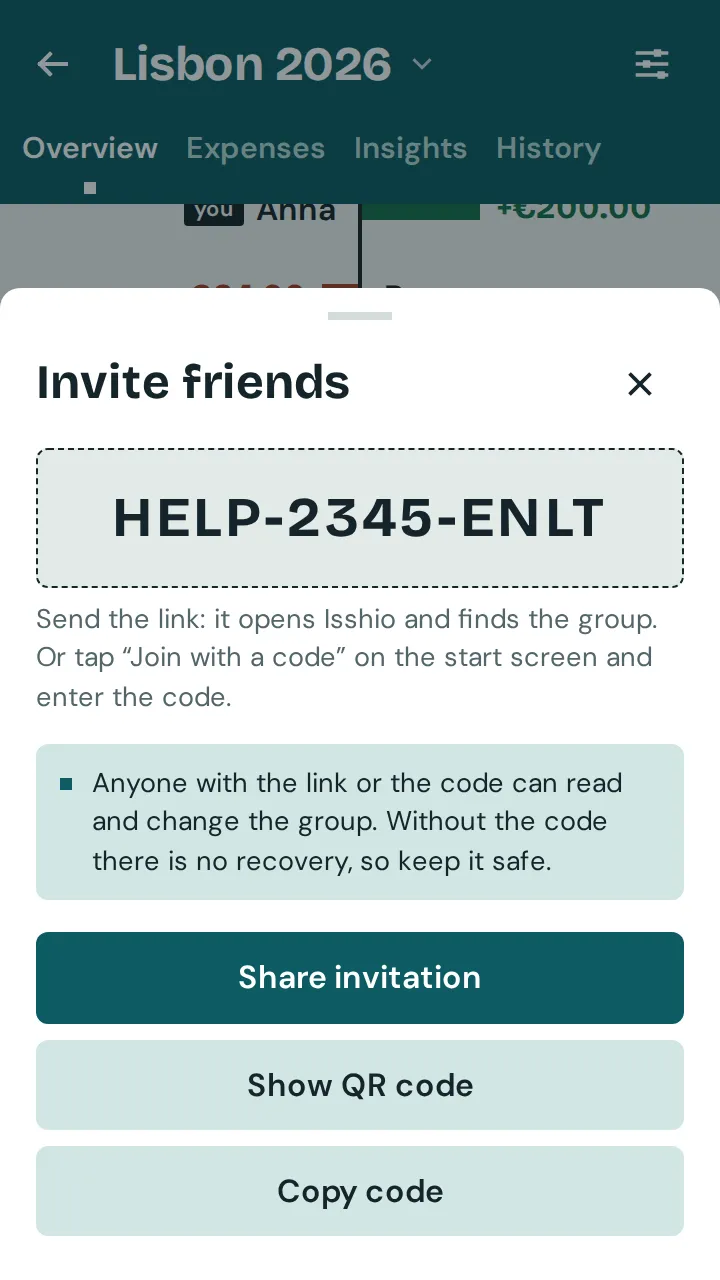
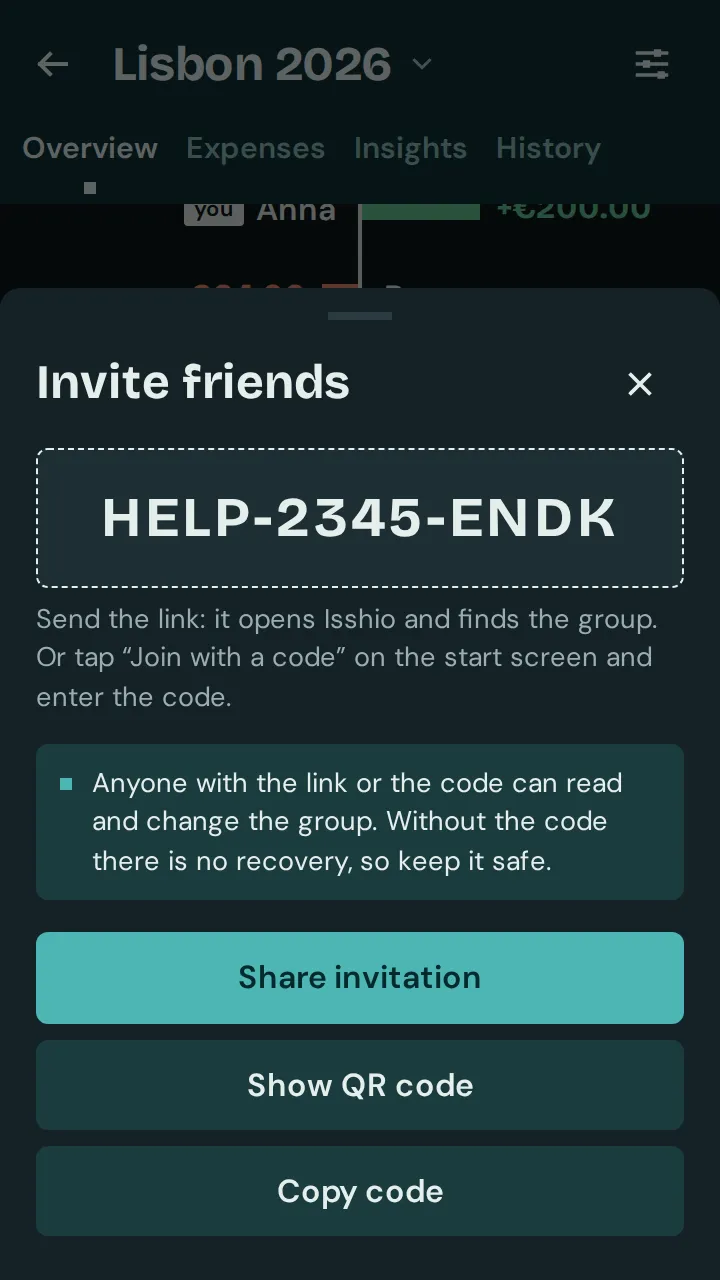
Tap “Share invitation” and send the link, for example by messenger. If sharing does not work, use “Copy link” or “Copy code”. If you are together, tap “Show QR code”: the others scan it with their phone’s camera.
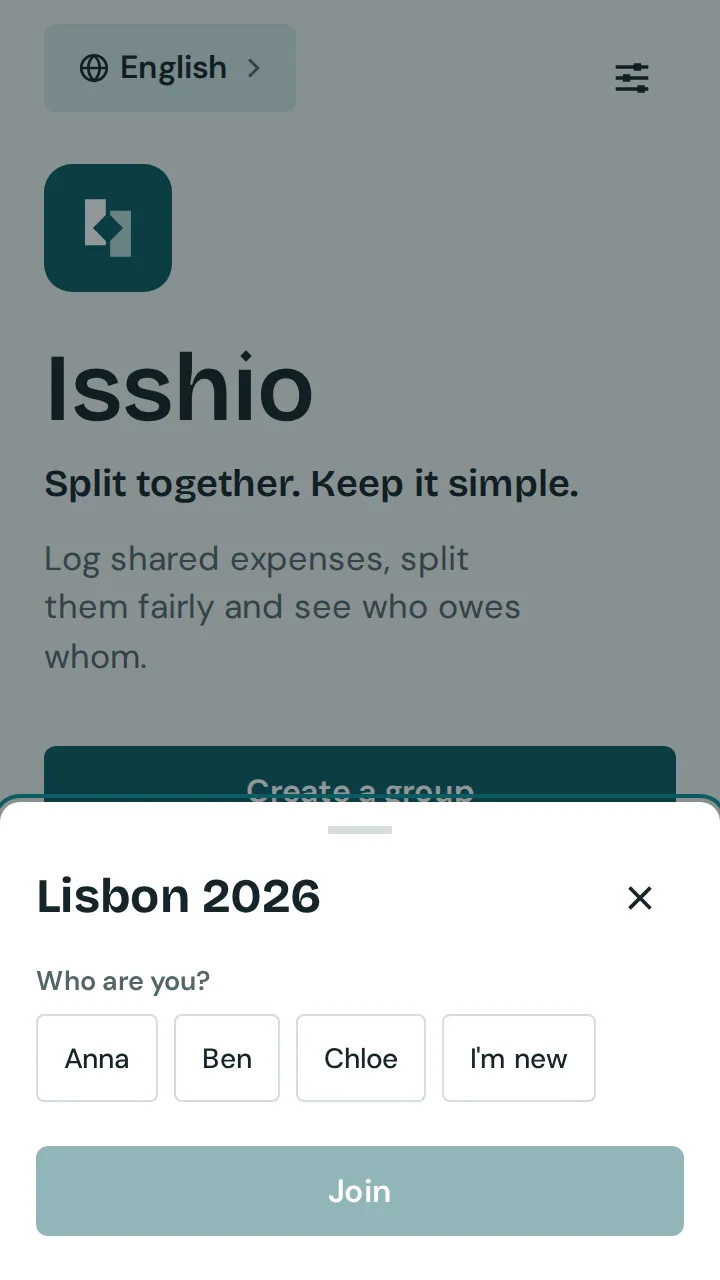
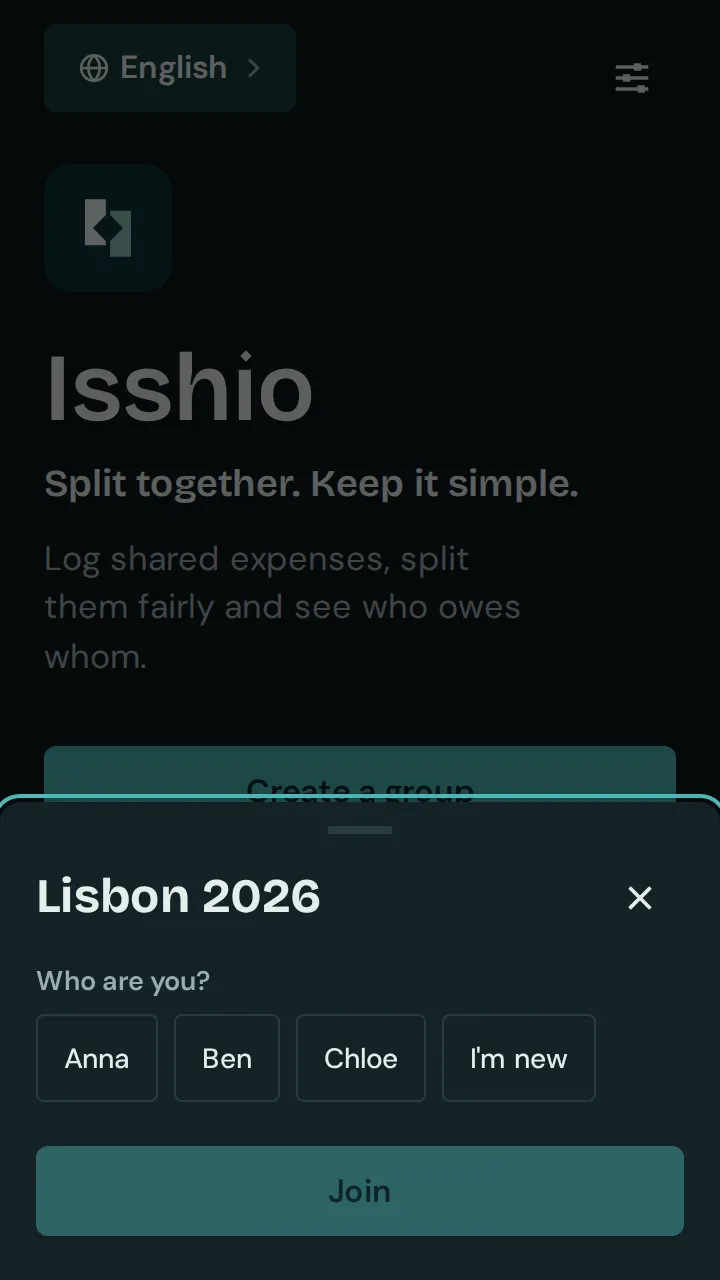
Whoever opens the link lands in “Join group”, and Isshio looks for the group. Without a link: on the home screen, tap “Join with a code”, enter the code and tap “Find group”.
Under “Who are you?”, everyone picks their name or taps “I'm new”. Then “Join”.
Good to know: Joining needs an internet connection. Anyone with the link or the code can read and change the group, so only send it to people who take part.