Notifications
When someone in a group adds, changes or deletes something, your phone shows a short notification, even when the app is closed. It names only the group and the number of changes, never names or amounts.
How it works
On the home screen, open “Settings” and turn on “Notifications” under “Display”. Only now does your device ask for permission; until then everything is off. You need internet to turn it on.
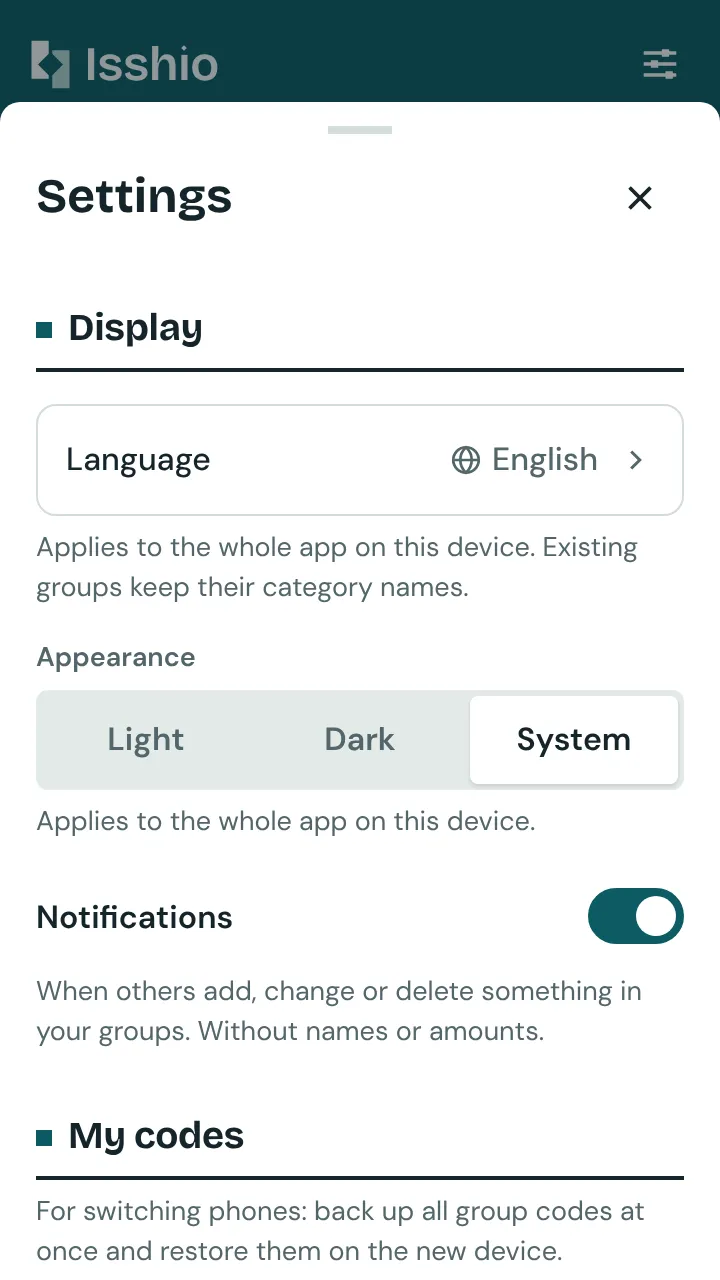
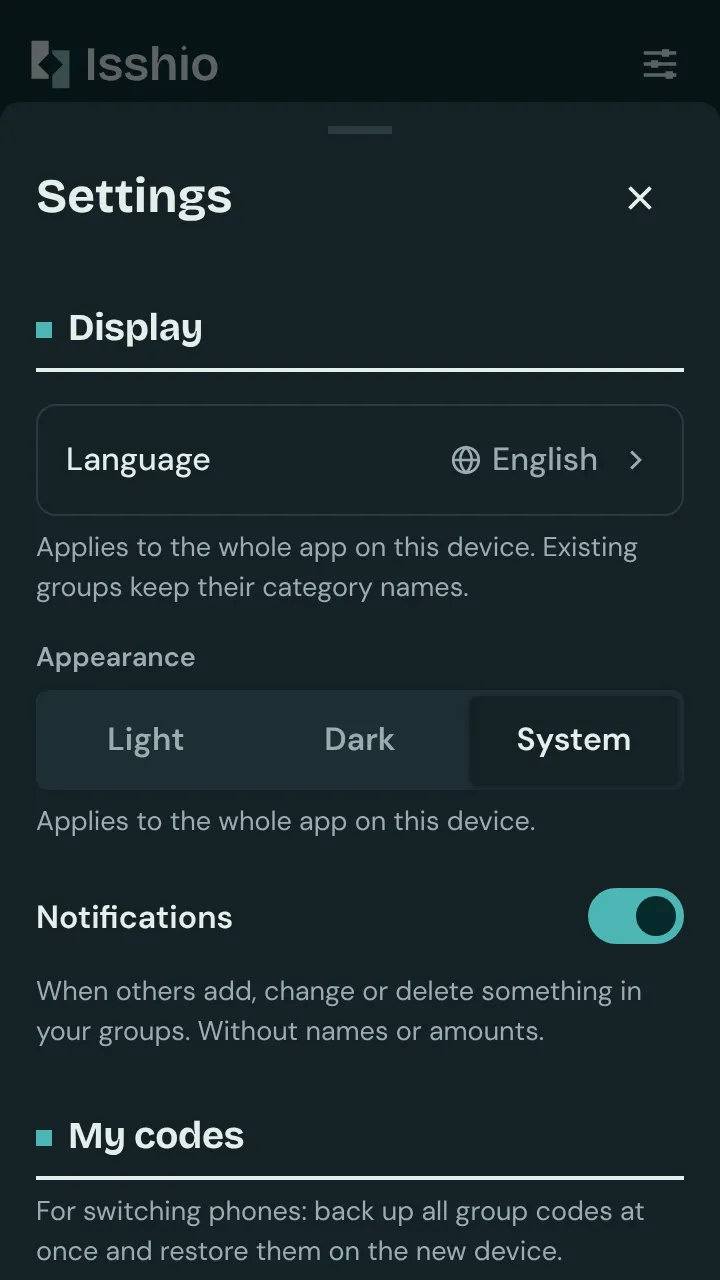
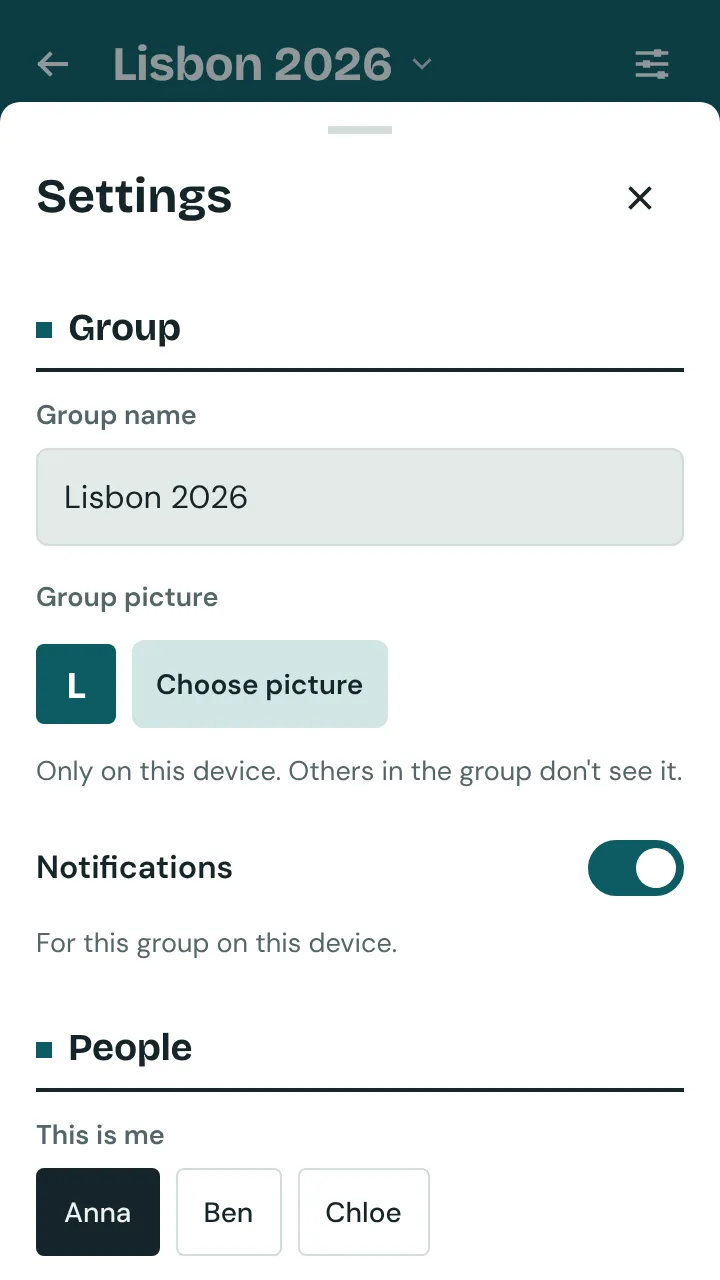
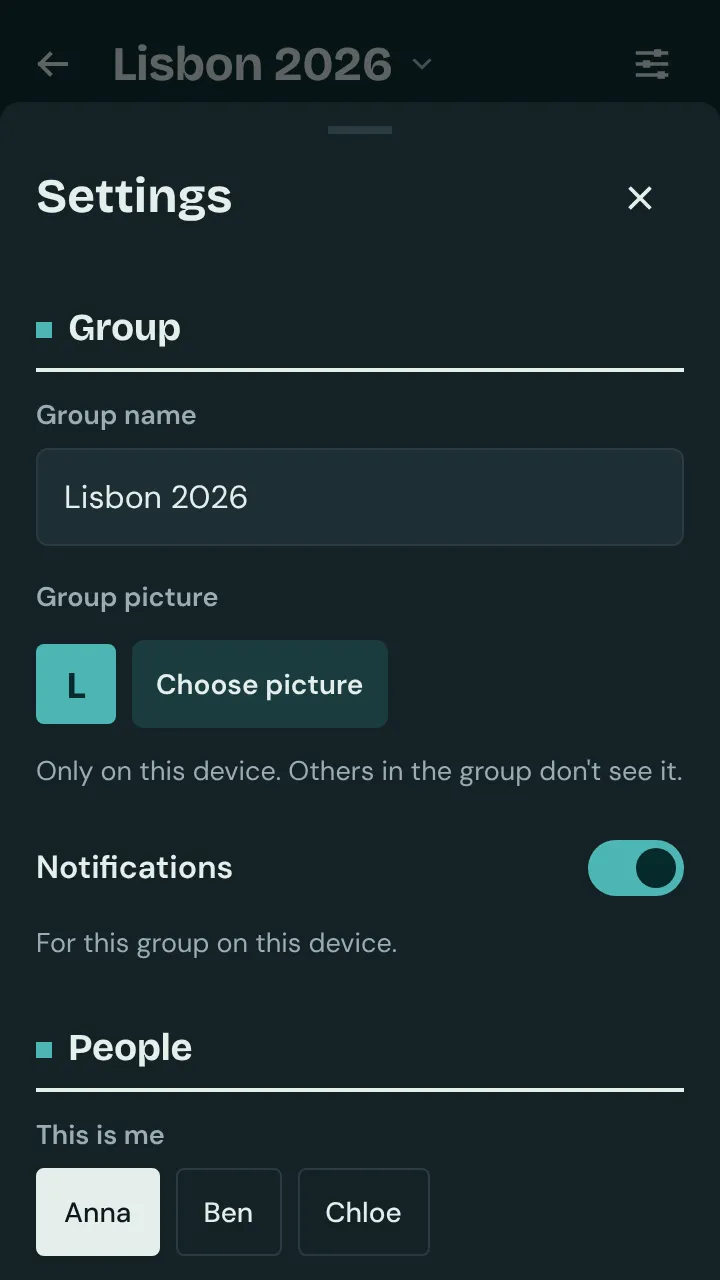
After that, all your groups are on. If you don’t want one, open its settings and turn off “Notifications” under “Group”. This applies to this device only.
The notification carries the name of the group, with text such as “3 new changes” below it. When more arrives, the new notification replaces the old one and keeps counting.
Tap it and the group opens, even if the app was closed. The notification then goes away and the count starts again.
You are told about new, changed and deleted expenses, income and payments, and about changes to recurring expenses. You are never told about your own changes, not even those from a second device where you are the same person, nor about changes to the group name, people, categories or labels.