Preview features
Some features carry the label “Preview” in the app. You can try them, and they are free for now.
How it works
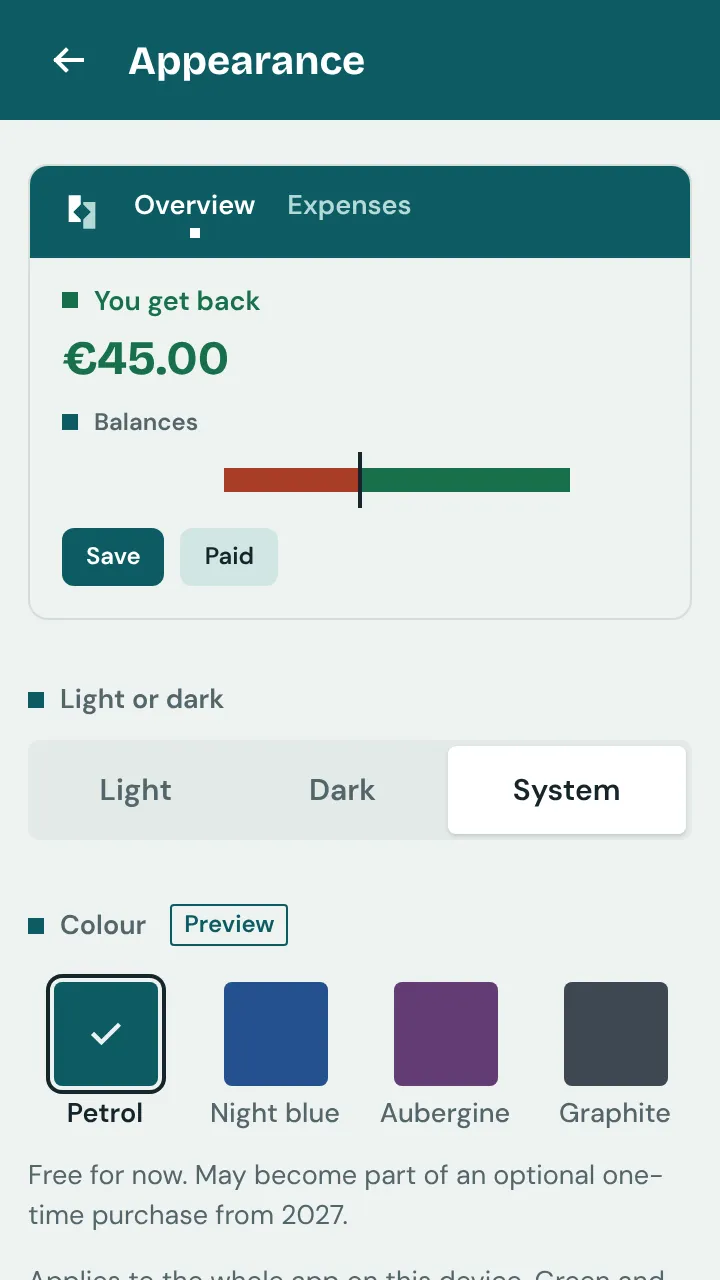
You recognise a preview feature by the chip “Preview”. Next to it is the sentence “Free for now. May become part of an optional one-time purchase from 2027.”
That means: the feature is free for now. From 2027 it may become part of an optional one-time purchase. There is no date, and whether and how that happens has not been decided.
Everything without this chip stays free. There will be no ads in the future either, and accessibility is never a preview.
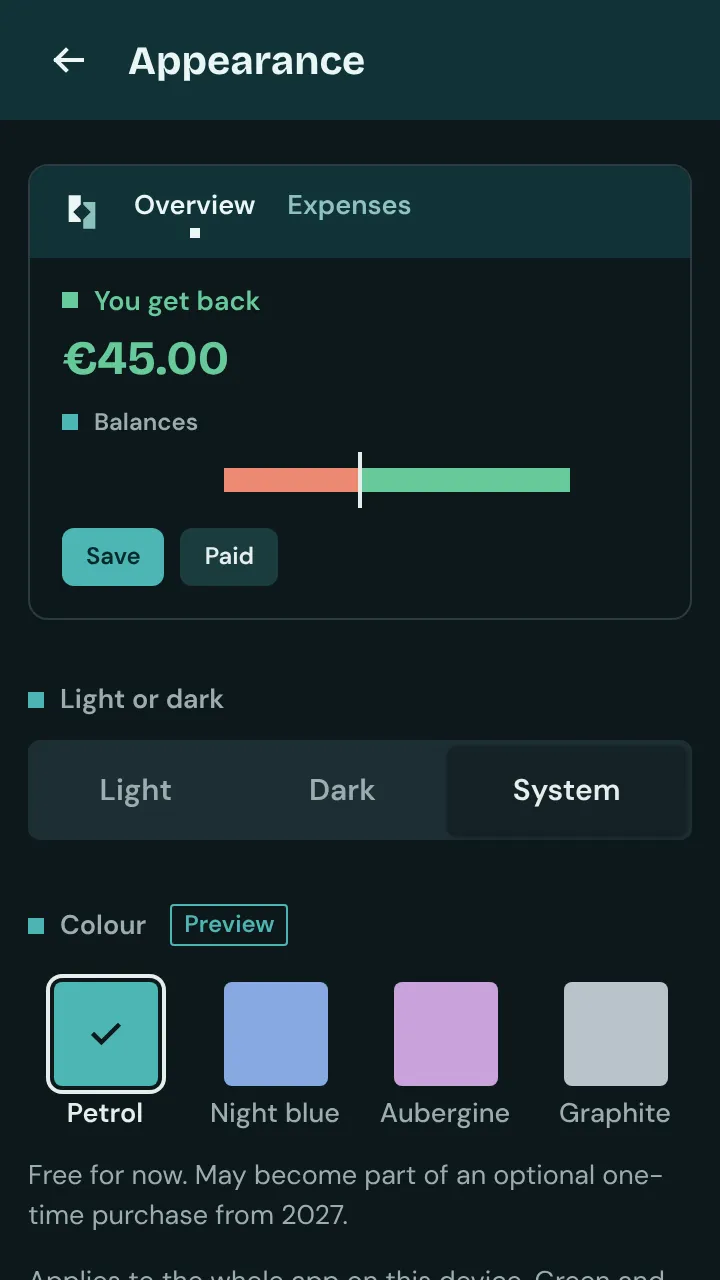
Today the colour choice is in preview: “Appearance” → “Colour” in the home Settings. “Light or dark” is not part of it. Also a group’s “Look back”: as a card in “Overview” in December and January, and all year round in “Insights”.
This lists only what already exists. New preview features appear first with their chip and then in this list. Today there is nothing to buy in the app.