Export and import
Exporting saves the whole history of a group as a file: to read, keep or work with further.
How it works
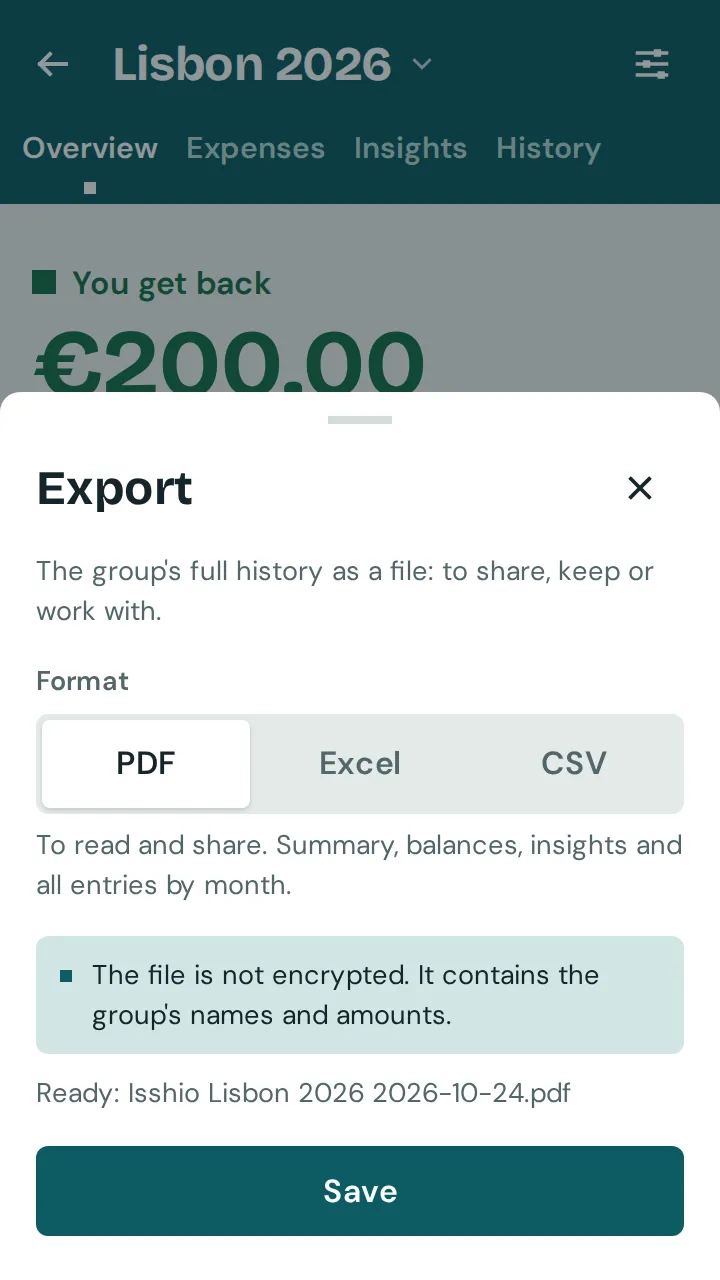
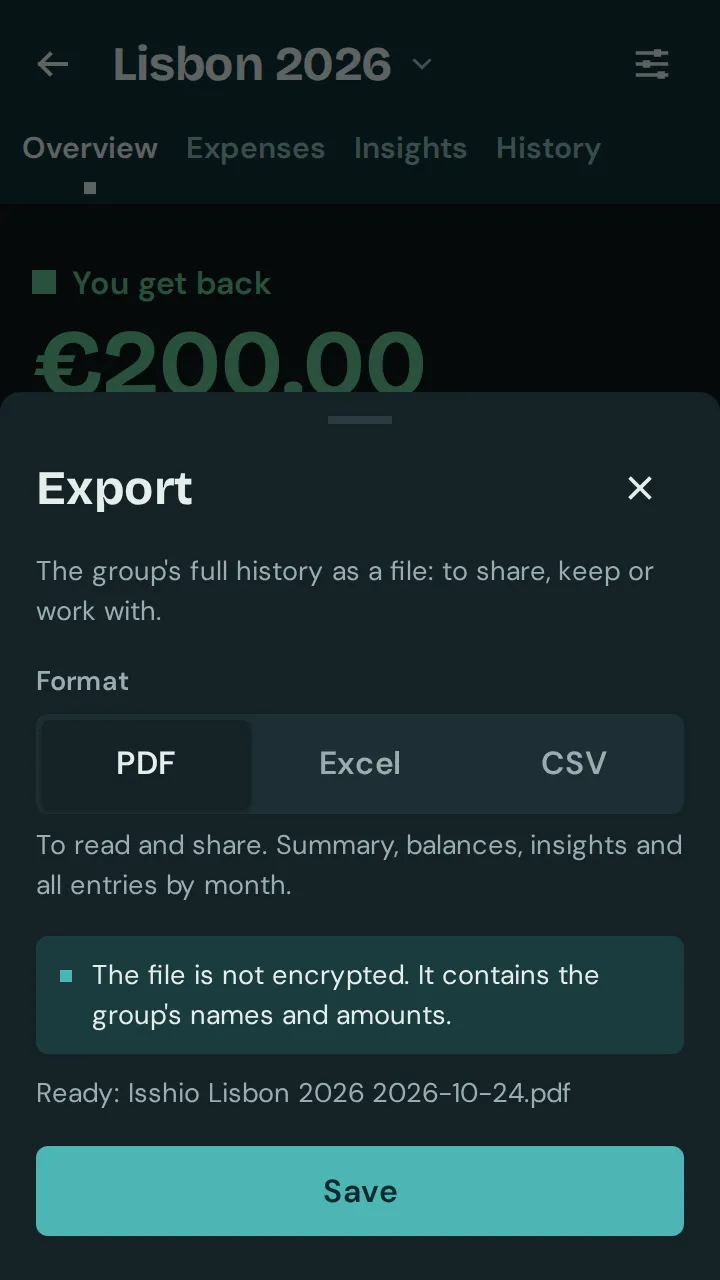
Open the group’s settings and tap “Export” under “Data”.
Choose the format: “PDF” to read and share, “Excel” to calculate further, “CSV” for other programs. Then “Share” or “Save”.
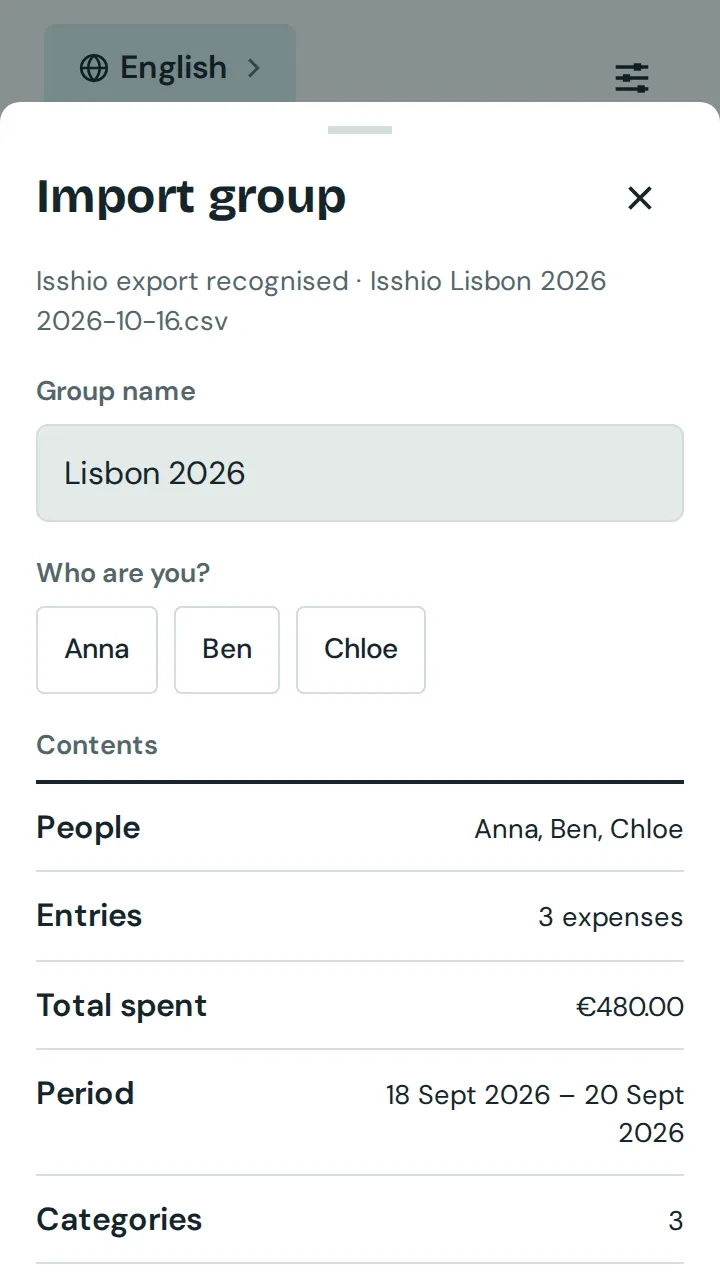
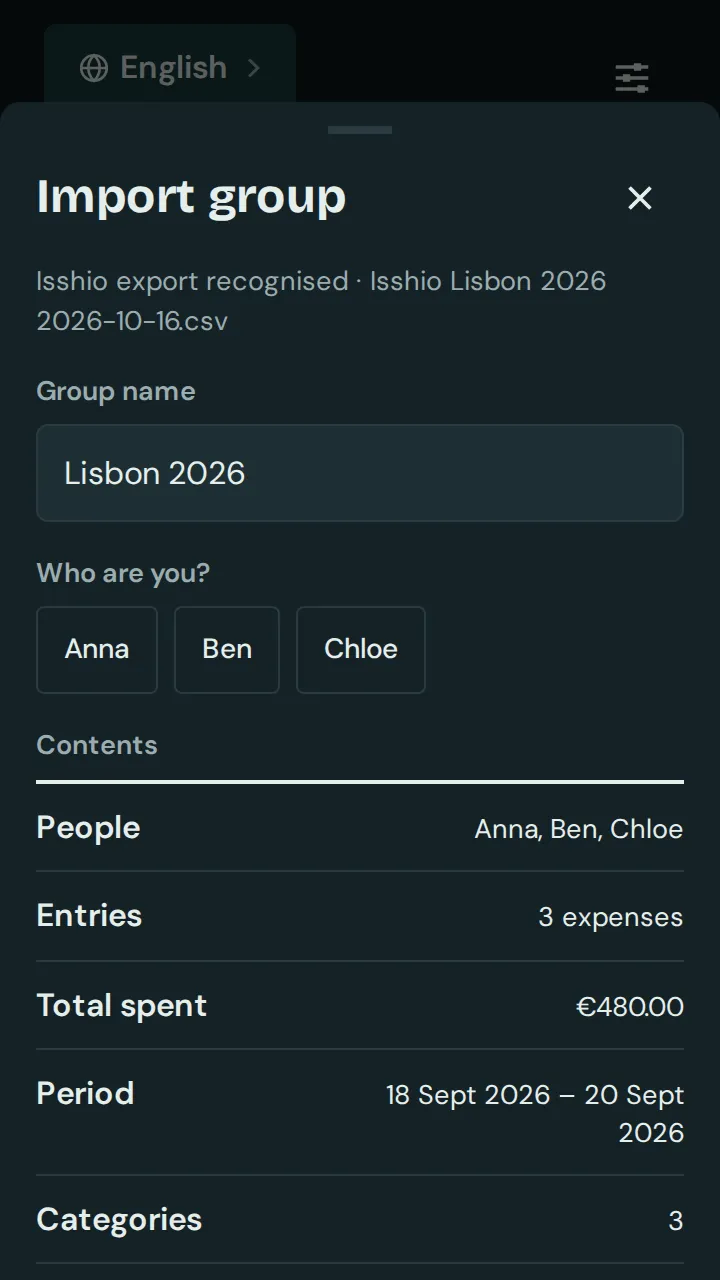
To import: on the start screen, tap “Import group” and choose an Excel or CSV file that you exported from Isshio.
The app shows what it found. Check the group name, pick yourself under “Who are you?” and tap “Create group”.
Good to know: The file is not encrypted and contains names and amounts. Only pass it on to people you want to show it to. An import always creates a new group with its own code; existing groups stay unchanged. A deleted group can still be exported. In Excel and CSV, income has a minus sign so that “paid” minus “share” gives each person’s balance; the import reads it the same way. For files from other apps, see “Import from other apps”.