Archiving groups
A past trip doesn’t have to stay in your list. Archiving tidies a group away on your device only; nothing changes for the others.
How it works
Open the group’s settings and tap “Archive group” under “Data”. If everything is settled, the button is also in the “Overview” tab below “All settled.”
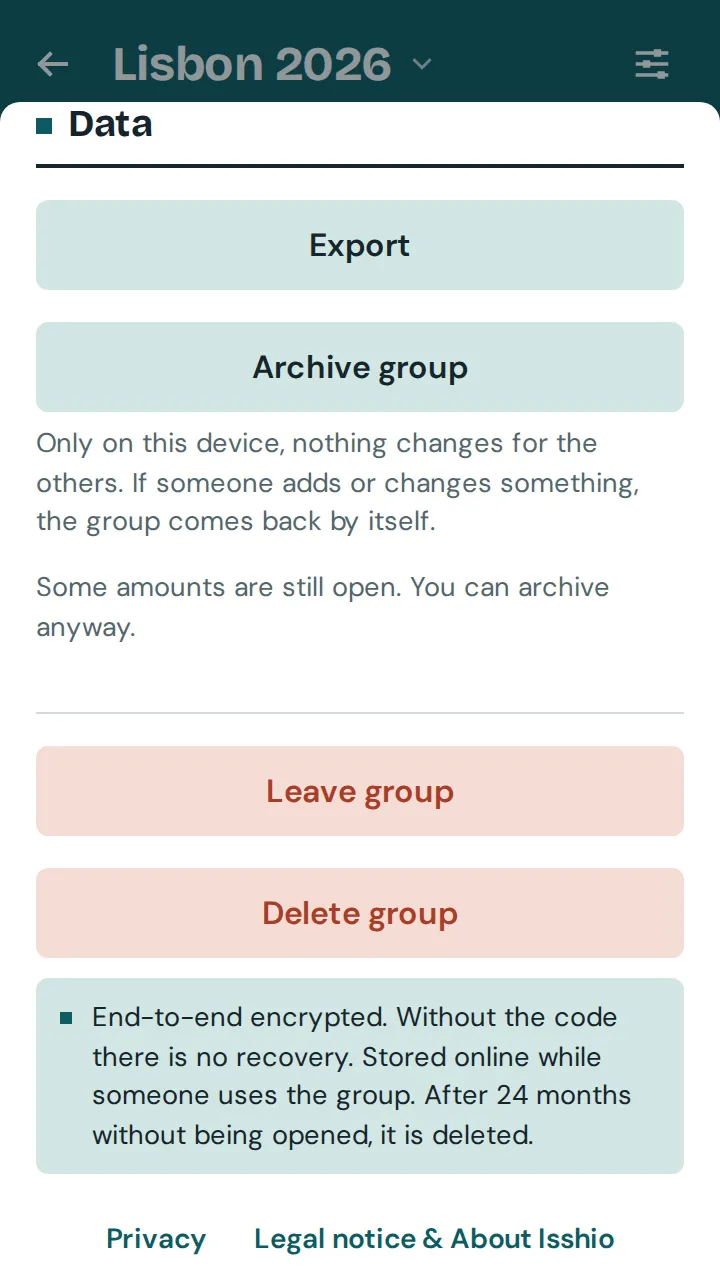
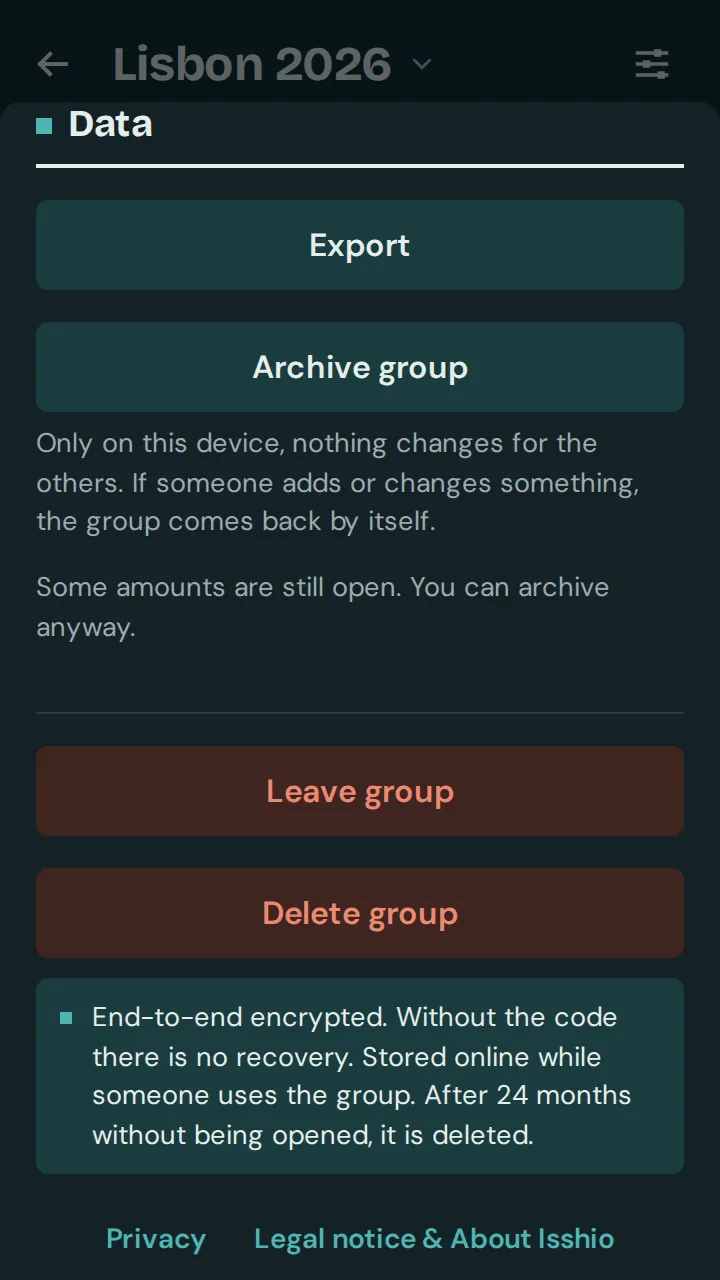
You can archive even if amounts are still open or a recurring expense is running; the app points this out. Tap “Undo” straight away if it was a mistake.
On the home screen, the “Archive” row below your list shows how many groups are archived. There you open an archived group or bring it back to your list with “Unarchive”.
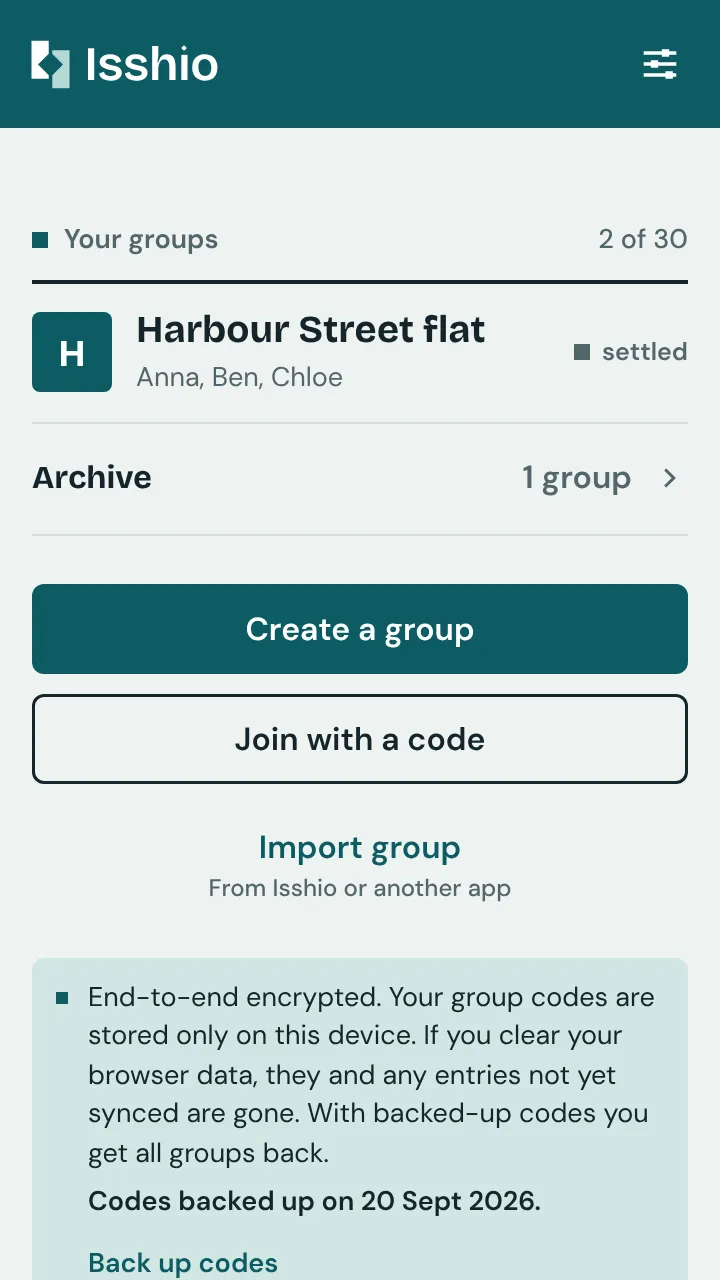
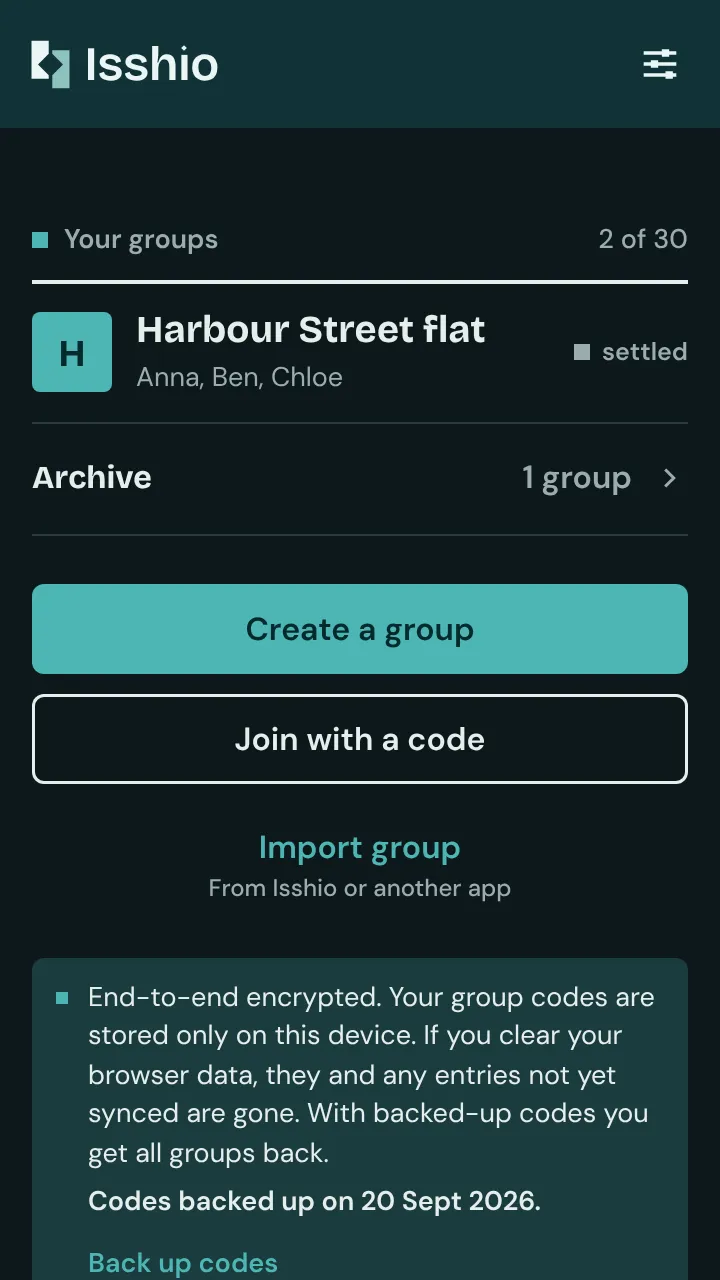
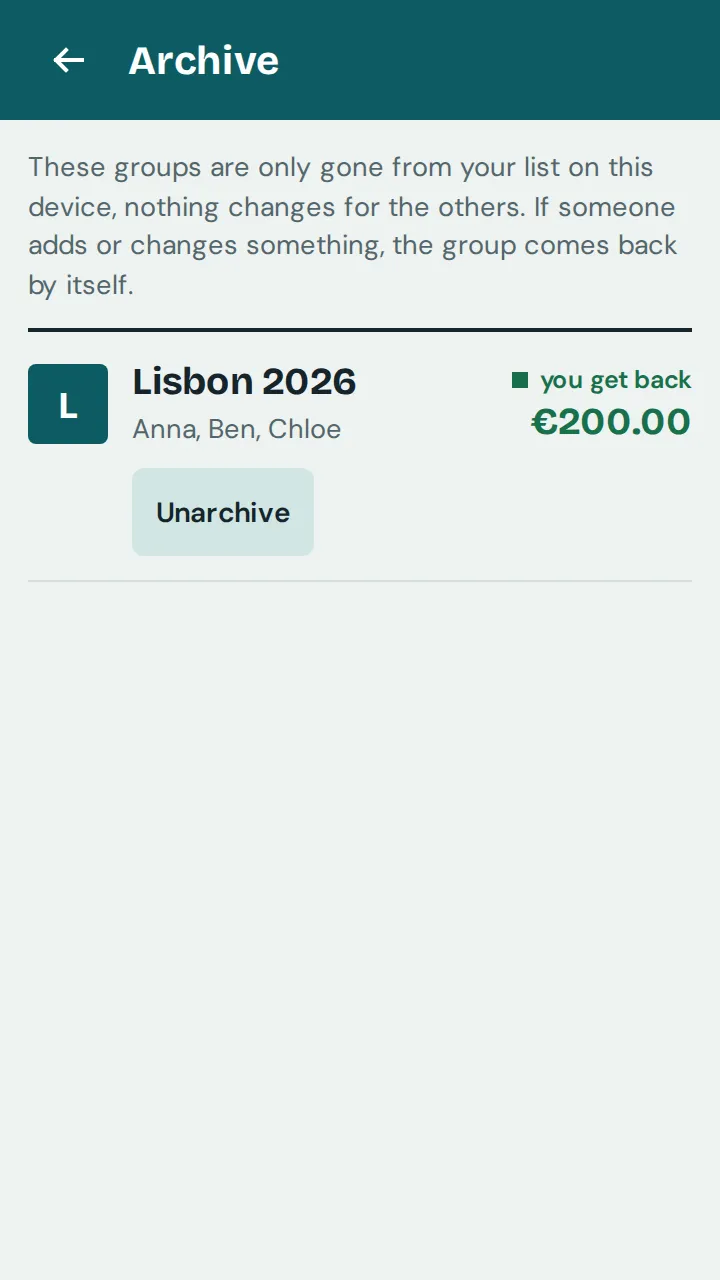

If someone else adds, changes or deletes an entry, the group comes back by itself at the next sync, with a message. Your own entries, times a recurring expense adds by itself and changes to the name, categories or labels don’t bring it back.
If the group is deleted, it comes back to your list greyed out so you see the deletion. If you still want it out of sight, archive it again from there.