Leave or delete a group
Leaving only affects you; deleting affects the whole group. Both are at the very bottom of the group’s settings.
How it works
“Leave group”: the group disappears from your list; for the others, everything stays as it is. You can join again at any time with the code. To be safe, you tap twice.
“Delete group”: only the phone on which the group was created has this button, or one on which its backup with the delete key was read in. The first tap explains what happens; “Yes, delete for everyone” deletes the group for everyone.
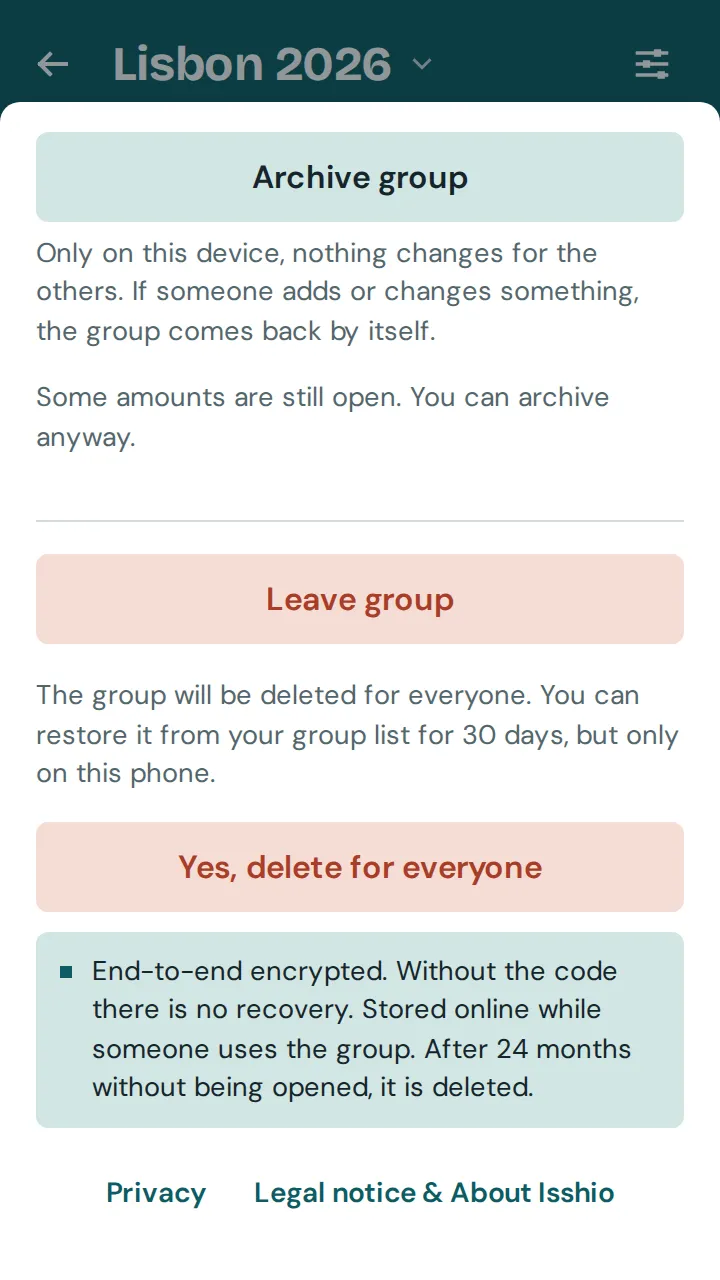
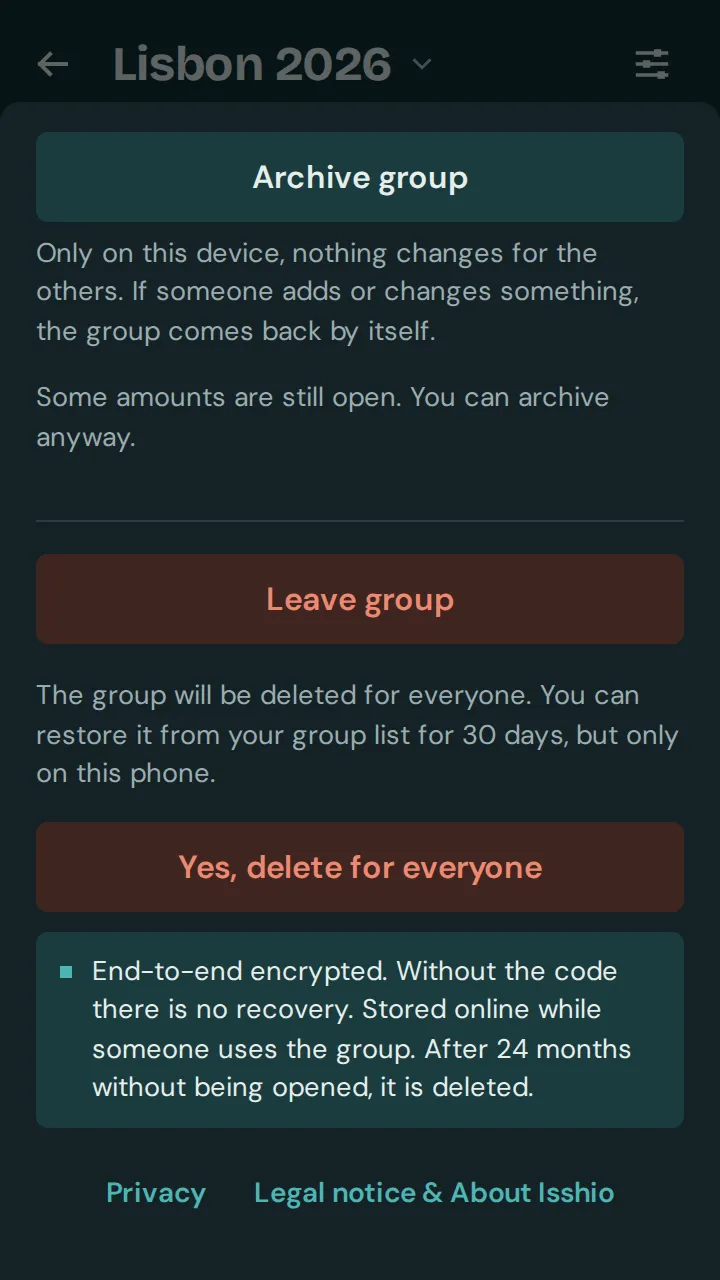
Deleted does not mean gone straight away: for 30 days you can bring the group back on the same phone with “Restore”, in the group list or in the group.
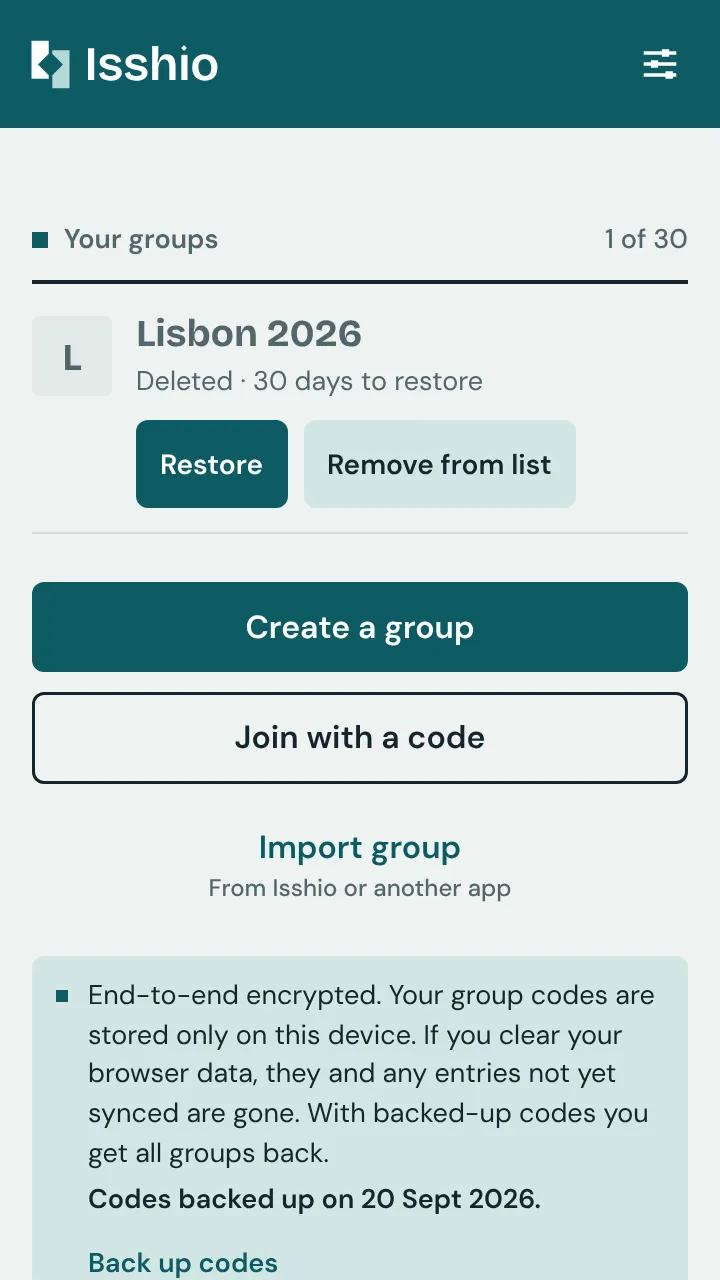
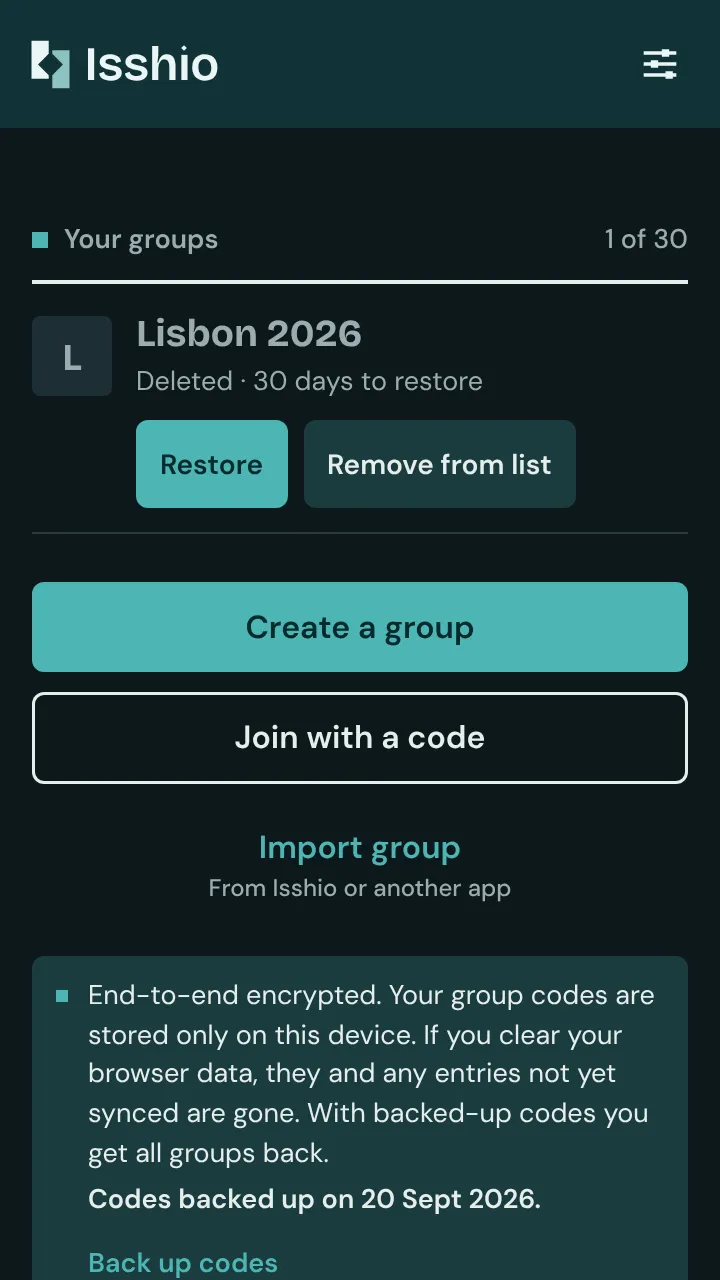
The others keep a readable copy. With “Remove from list” they take it off their list; before that, the app offers to export it.