Absences
If someone is on holiday or has moved out for a few weeks, they do not share in a recurring expense during that time. The amount stays the same; the others split it.
How it works
On the “Expenses” tab, open “Recurring” at the top and tap the rule, for example the rent.
In “Edit rule”, tap “Away”.
Under “Who is away?”, choose the person, then “From” and “To”, and tap “Add absence”.
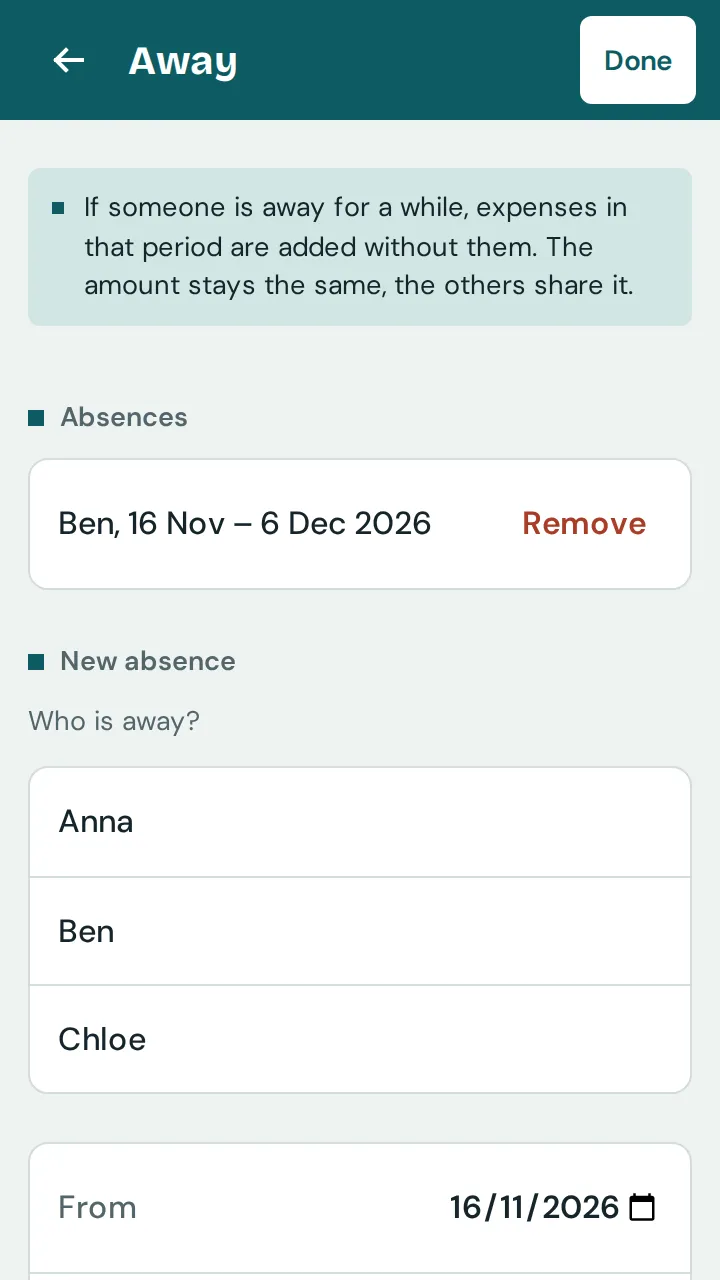
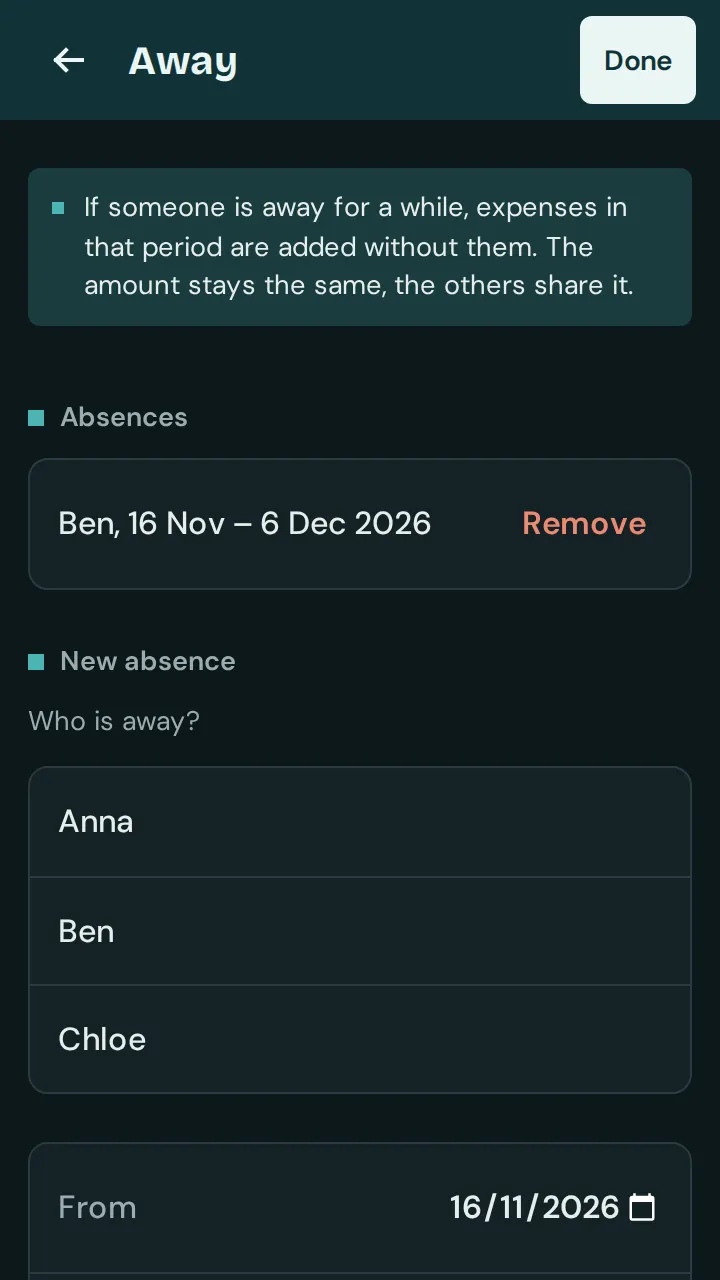
If expenses in that period have already been added, the app offers to adjust them too. Without the tick, the absence only applies from the next time.
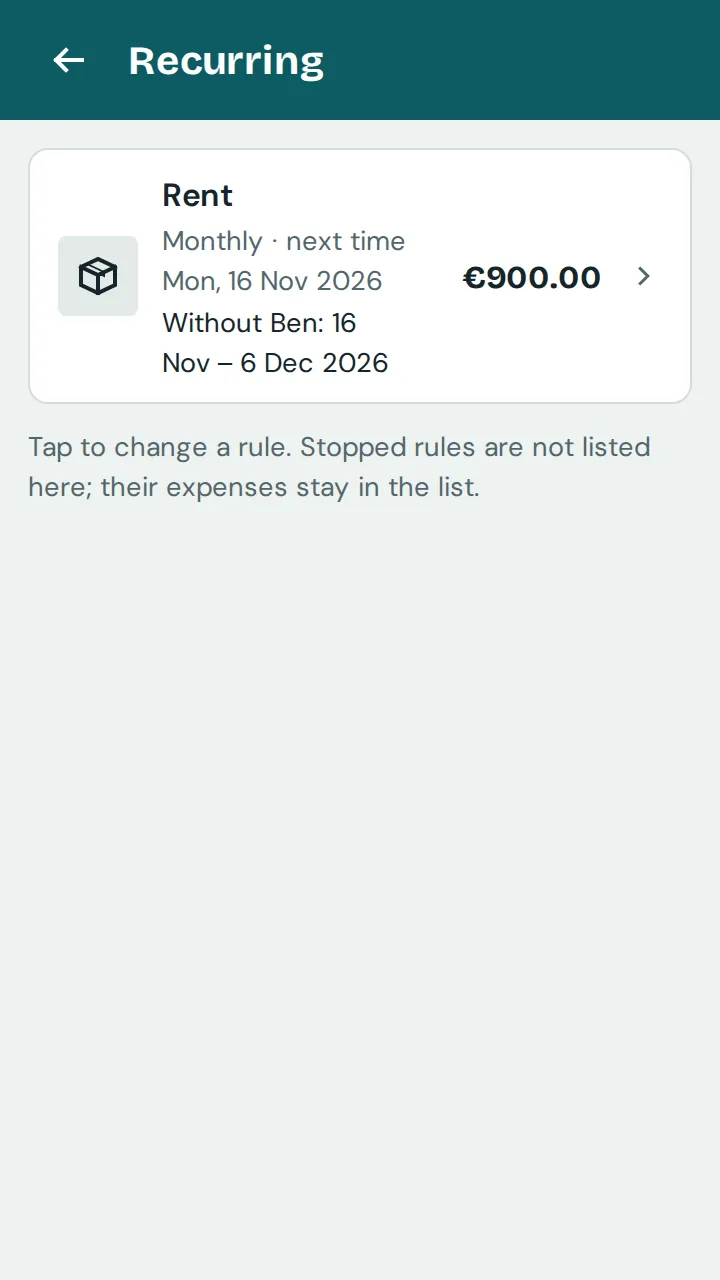
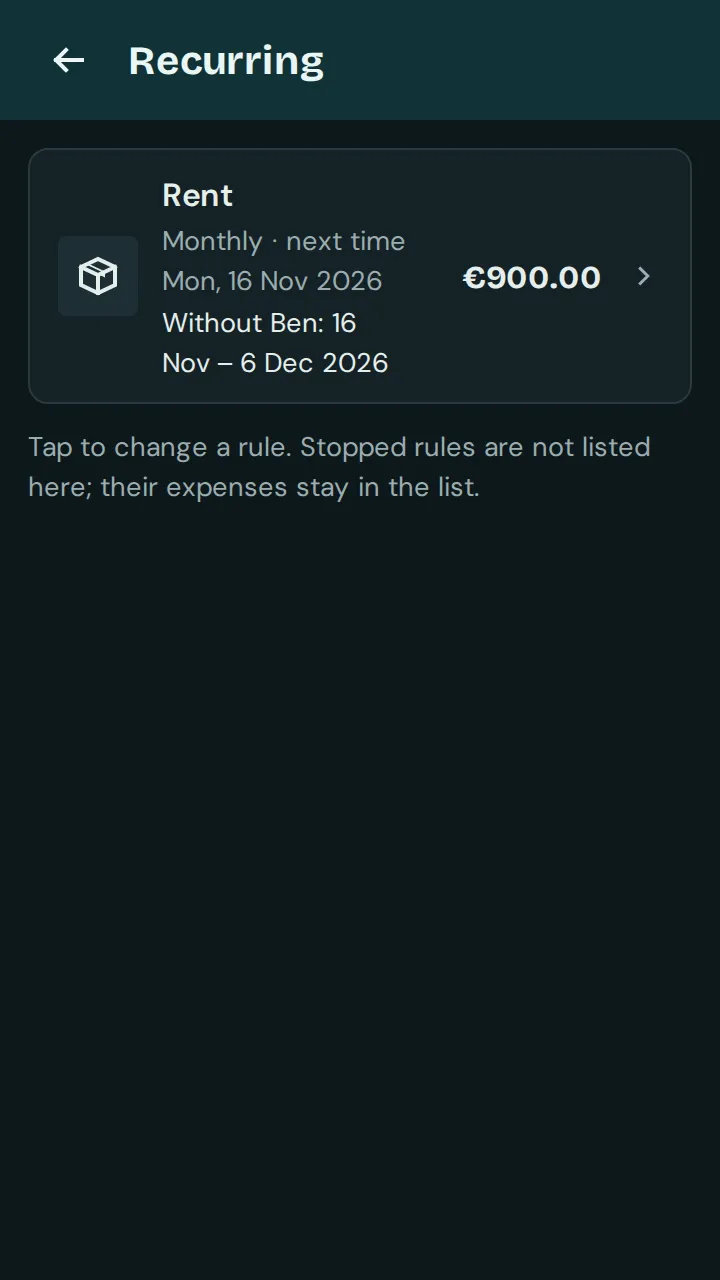
Tap “Done” and “Save”. The “Recurring” list then shows who is away when.
Good to know: Absences only work with the split “Equally” or “Shares”. They apply for everyone in the group; the default shares in the settings stay as they are. “Remove” takes an absence out again.