Change the group currency
Isshio calculates and shows balances in the group currency. You can change it later, even if there are already entries.
How it works
Open the group’s settings, tap “Currency” under “Currency and conversion” and choose the new currency.
If there are already entries, the app shows a preview: how many entries will be converted and the total spent before and after.
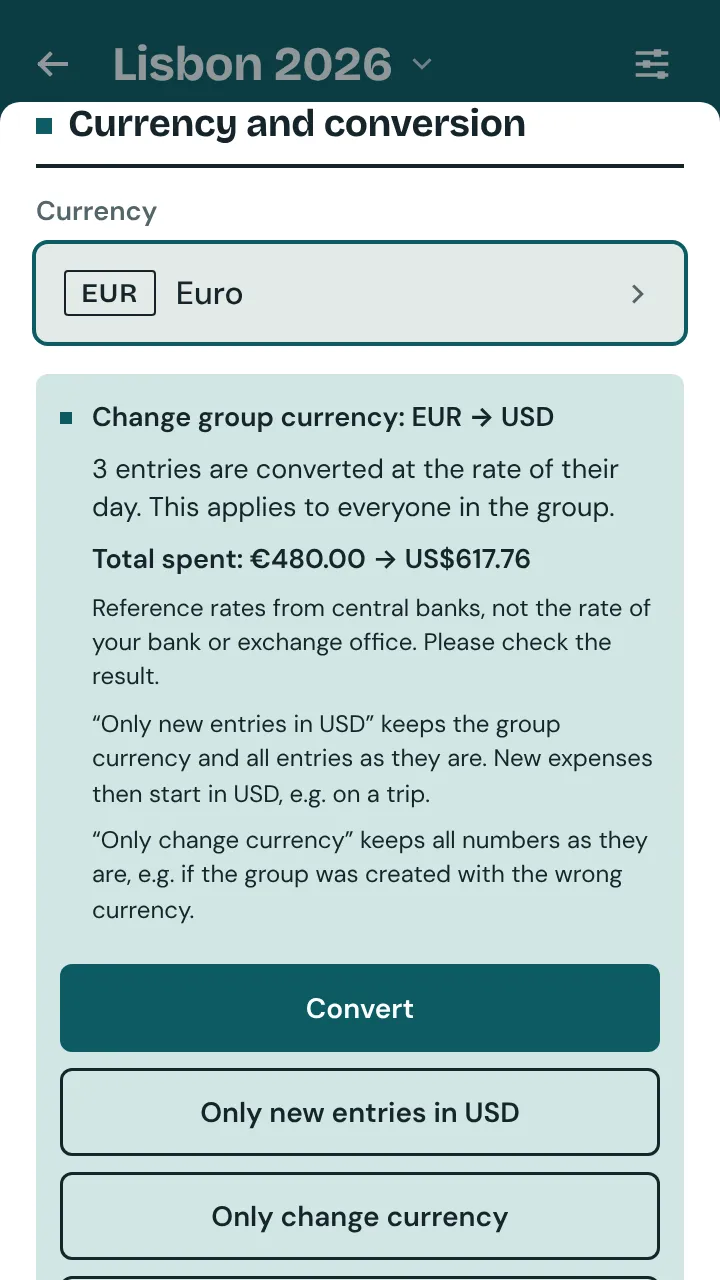
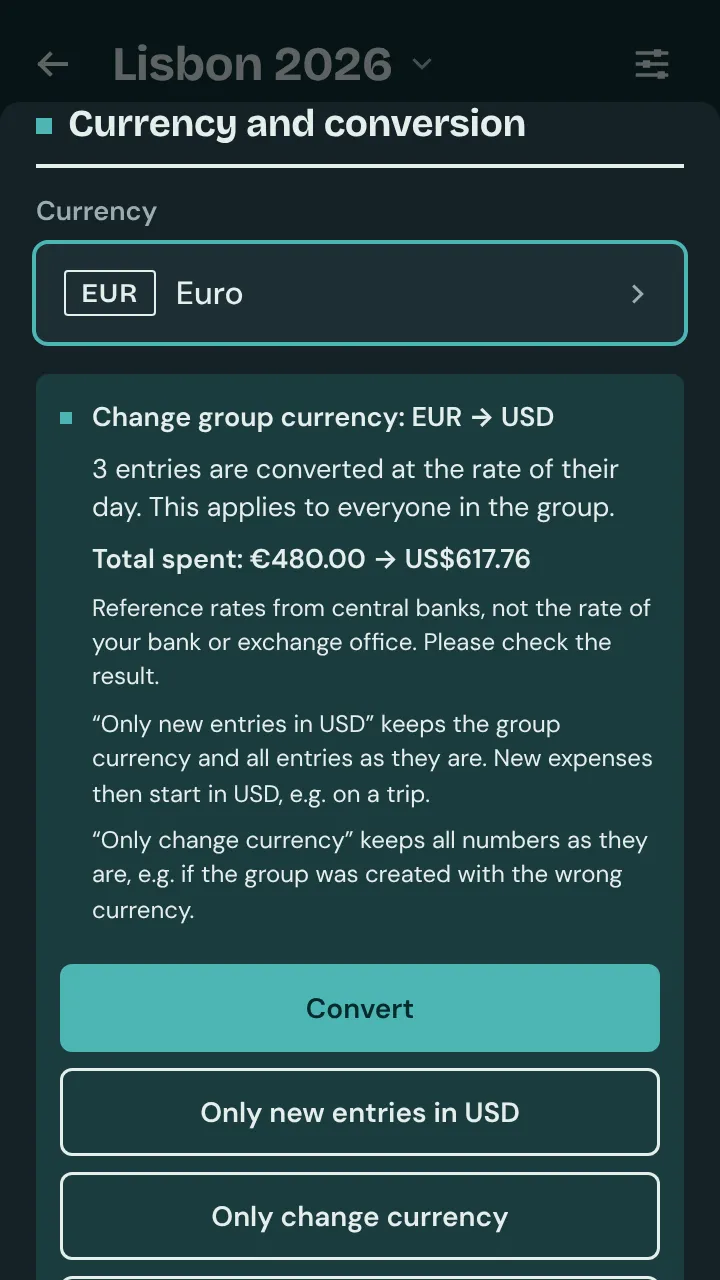
“Convert” converts each entry at the rate of its day, recurring expenses at today’s rate. This applies for everyone in the group.
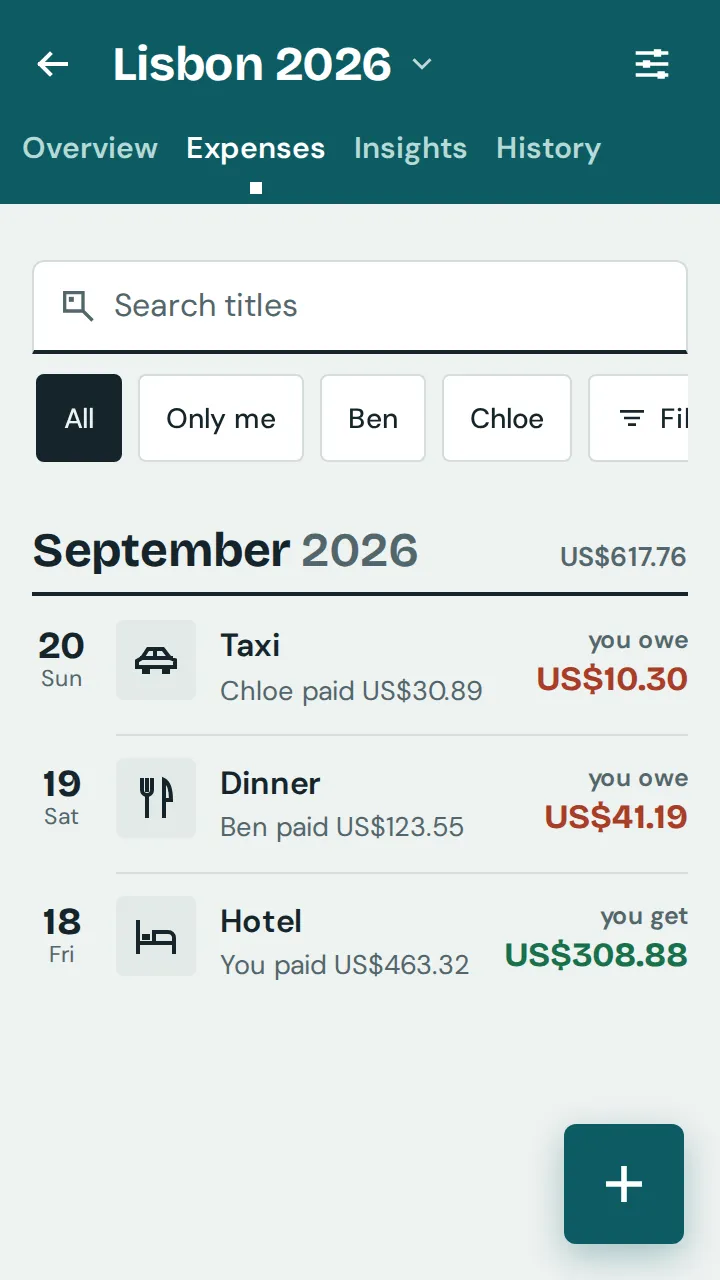
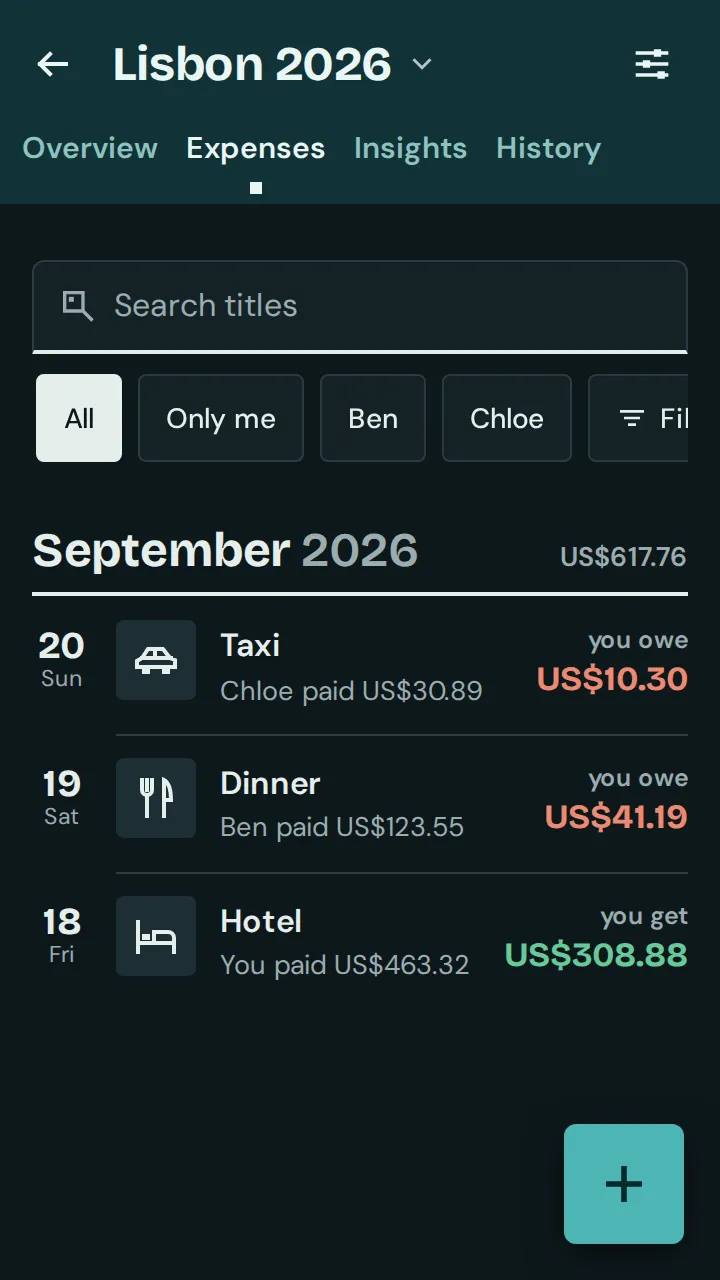
“Only change currency” keeps all numbers the same, for example if the group was created with the wrong currency.
If it was a mistake, tap “Undo” right afterwards.
“Only new entries in USD” keeps the group currency and all entries as they are. Only new expenses and income then start in the new currency, for example on a trip.