Add an expense
Each expense records who paid and for whom. From this, Isshio works out who owes whom.
How it works
Open the group, tap + at the bottom right, then “Expense”.
Enter the amount and what it was for, for example “Dinner”. Below, choose the category. To add up items from a receipt, use + and − right in the field; the result is saved.
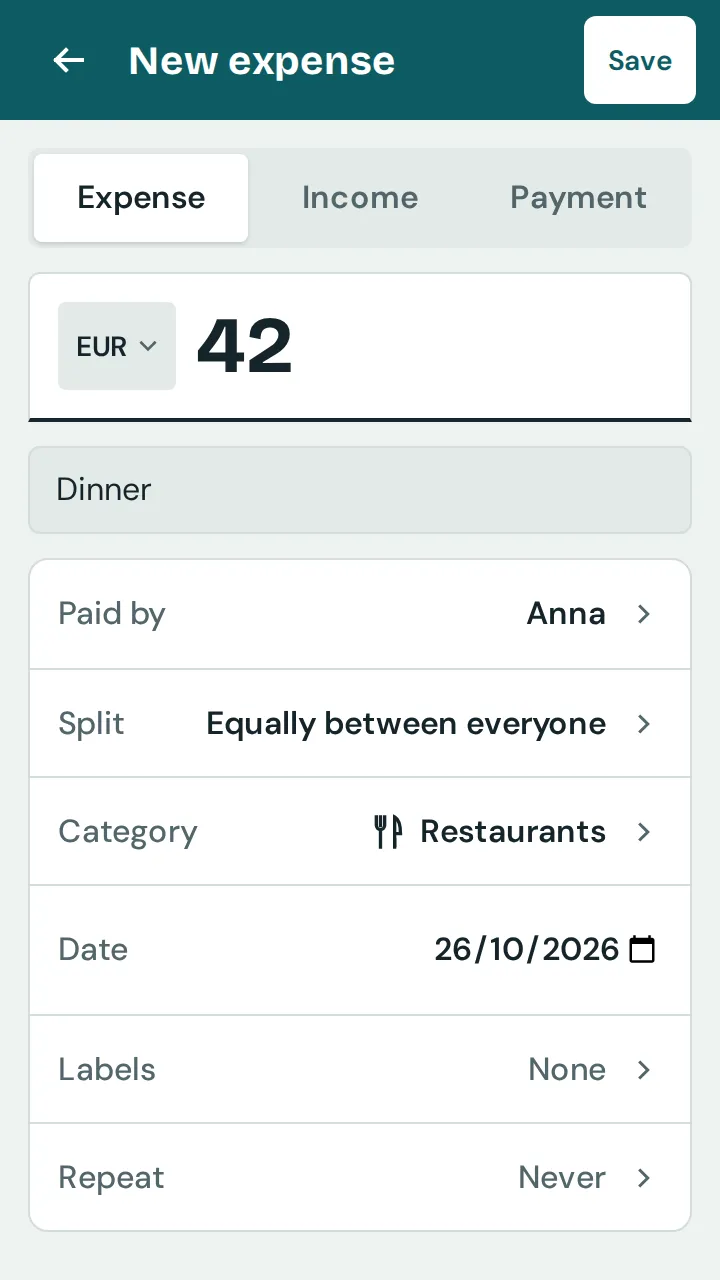
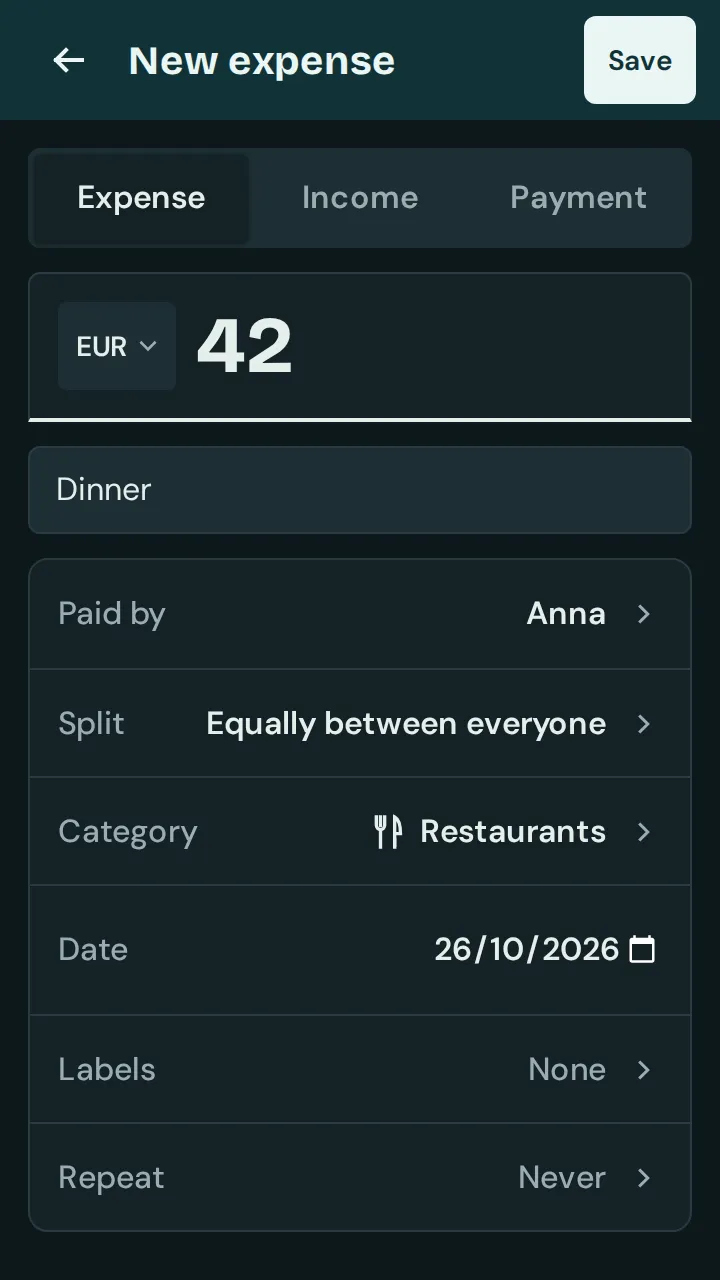
“Paid by” shows who paid. If several people paid, choose “Several”.
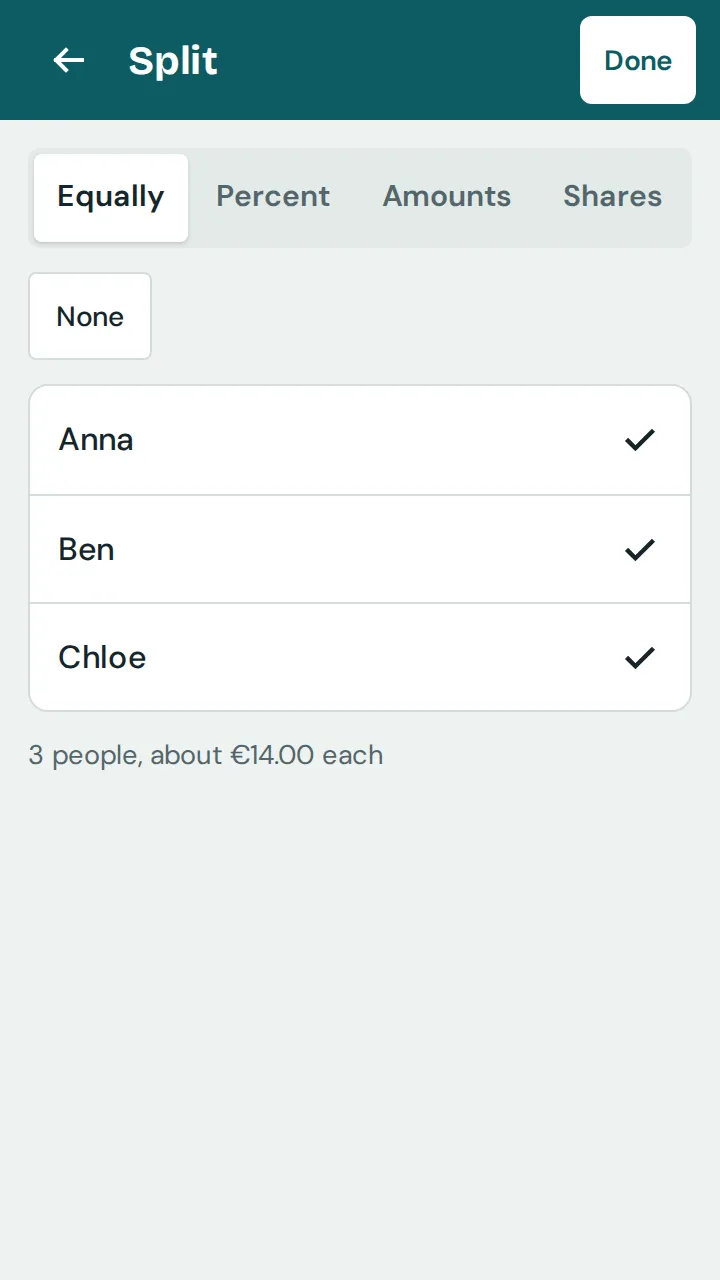
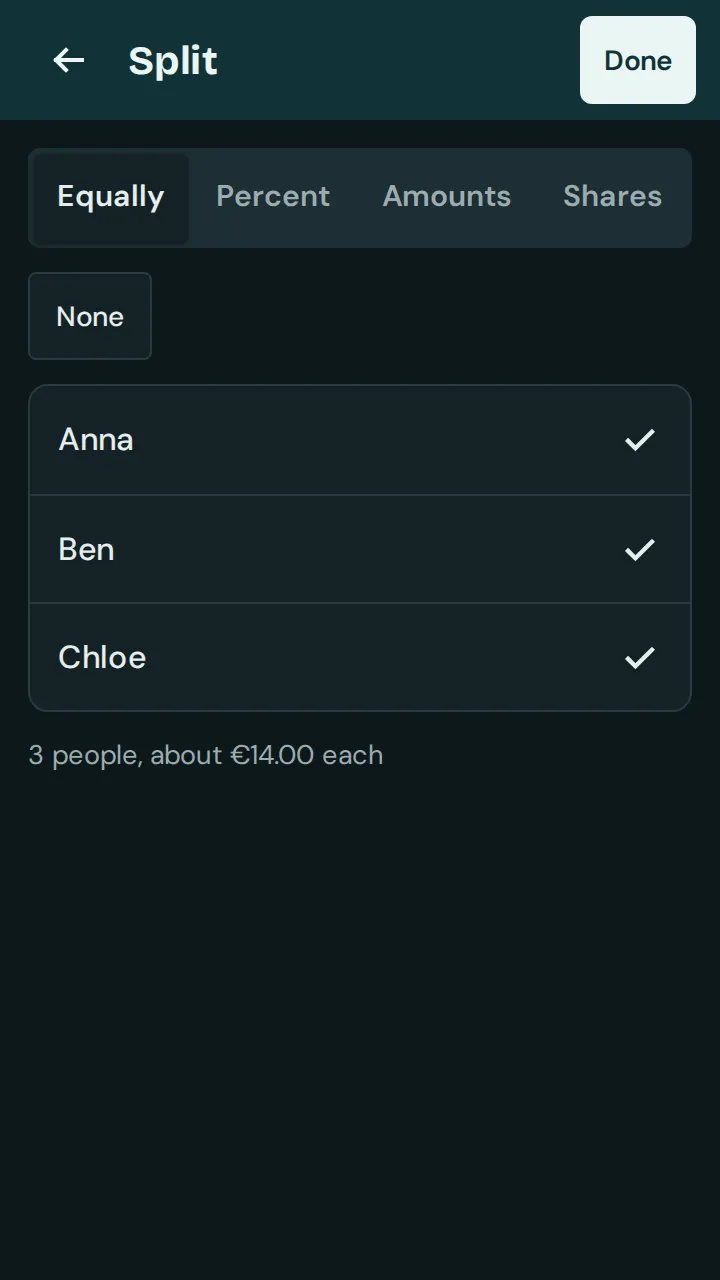
Under “Split” you set who the expense was for. At the top you choose how to split: “Equally”, “Percent”, “Amounts” or “Shares”.
Tap “Save”. The expense then appears on the “Expenses” tab.
Good to know: Without internet, the app saves on the device and syncs as soon as you are back online.