Quick entry
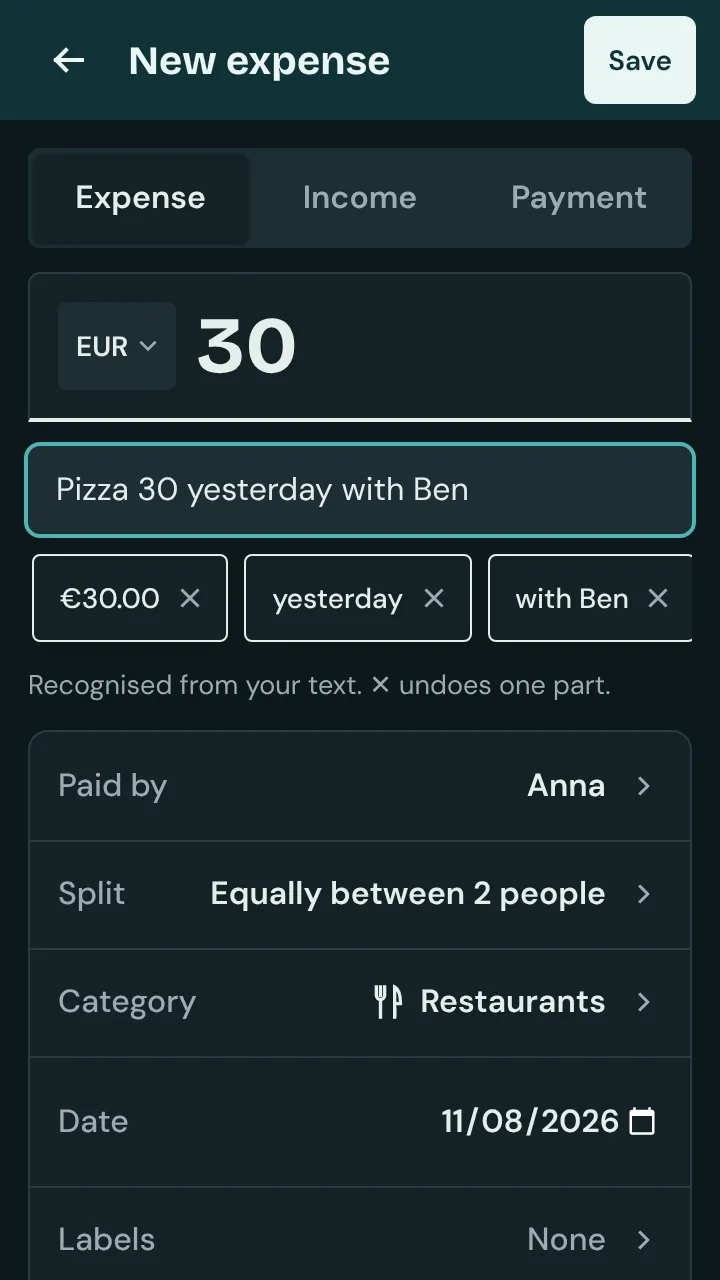
Type or dictate a sentence into the title field of a new expense, for example “Pizza 30 yesterday with Ben”. Isshio fills in amount, date, people and category.
How it works
Open the group, tap + and then “Expense”. Tap the title field. To try it, tap “Try: Pizza 30 with Ben”.
Type your own sentence or dictate it with your keyboard’s microphone. Isshio recognises amount and currency (“12 dollars 50”), date (“yesterday”, “Friday”), people (“with Ben”, “for Chloe”, “without Ben”, “paid by Ben”) and the category. Splits work too, such as “60/40 with Ben”, “for Ben 12 and me 18” or “paid by me 12 and Ben 8”. If one person covers part on their own, subtract it: “Groceries 40 − 10 only Chloe”.
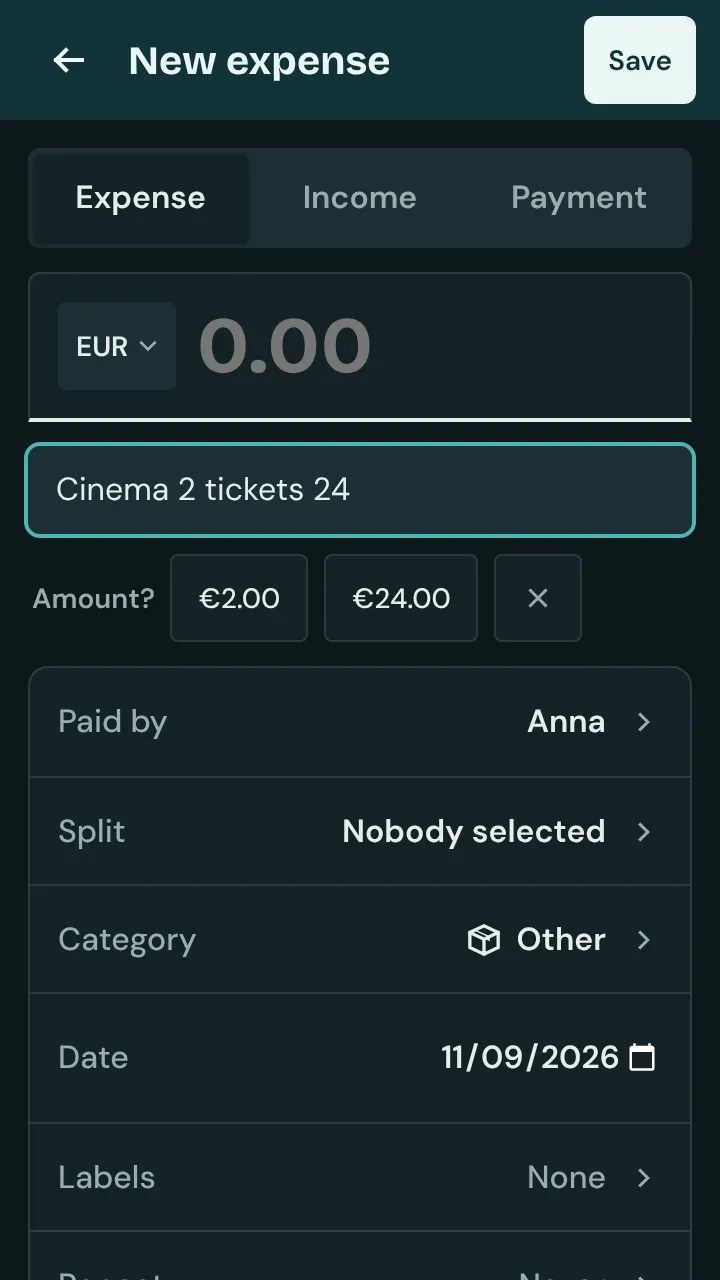
Each recognised part appears as a chip below the title. ✕ undoes one part; its words stay in the title. If something is unclear, Isshio asks, for example “Amount?” when there are two numbers; ✕ dismisses the question.
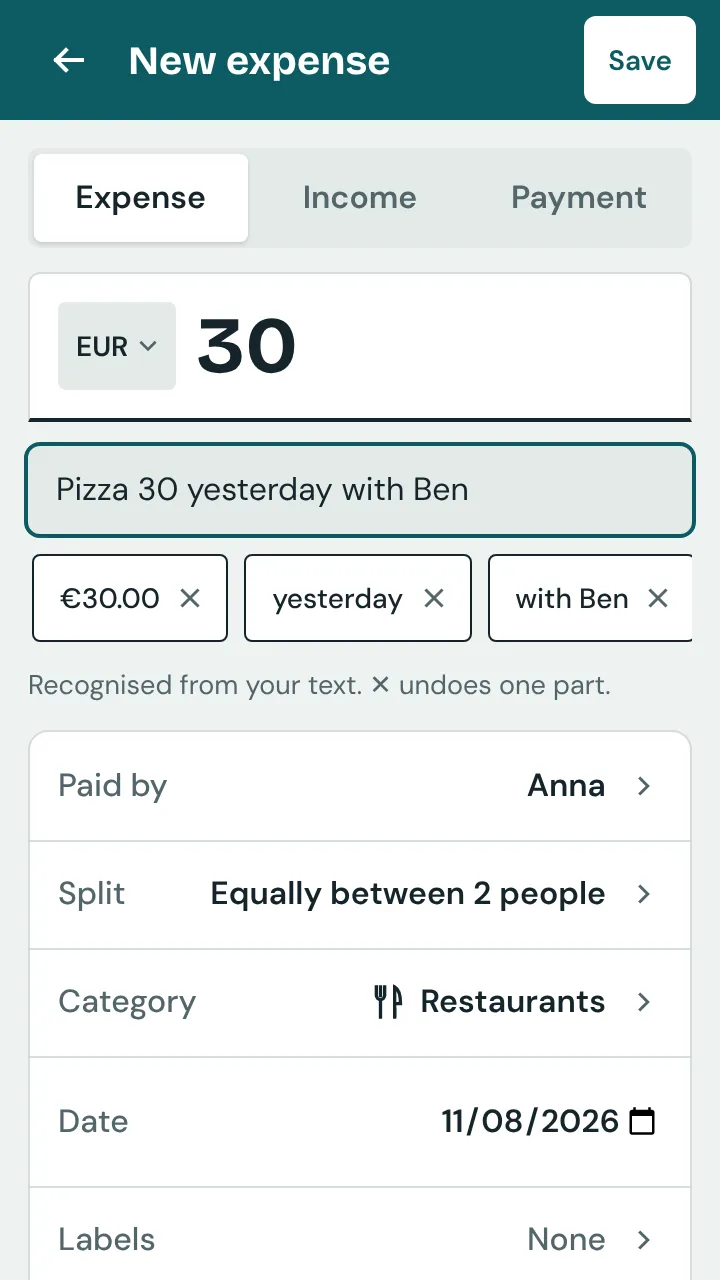
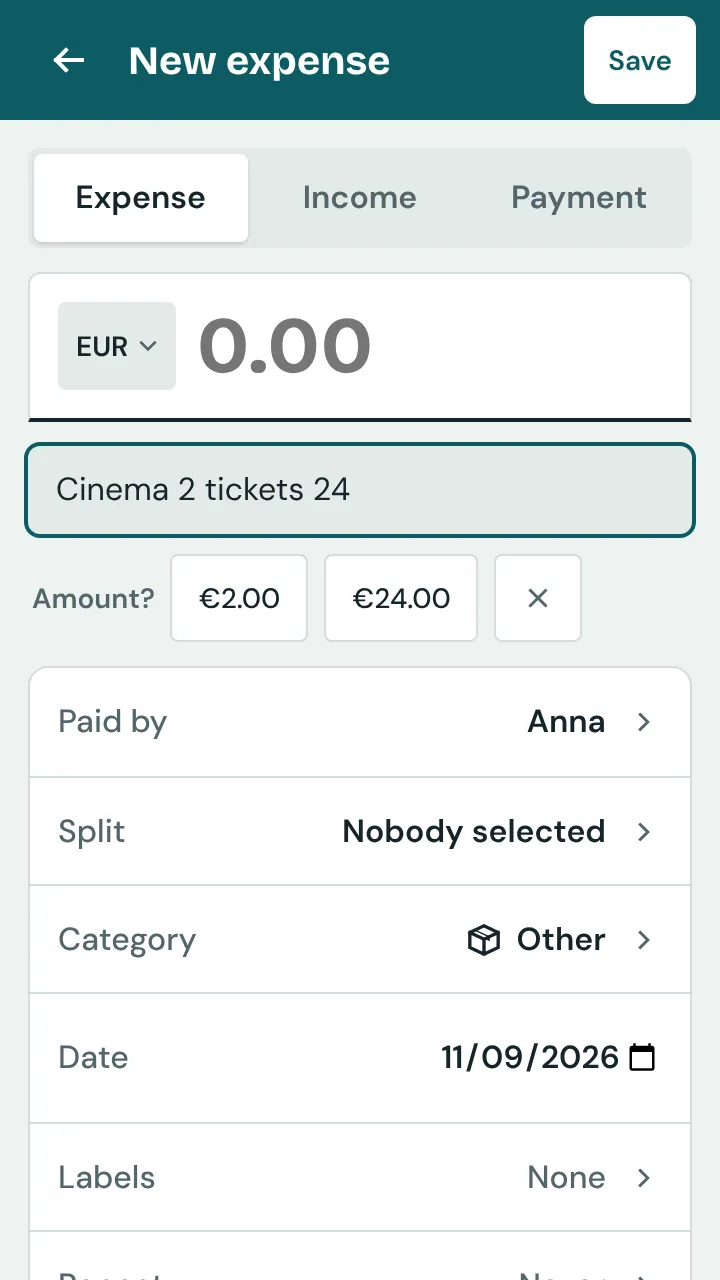
Check the fields and tap “Save”. Nothing is saved before that, and the recognised words disappear from the title. Whatever you enter in a field yourself, the sentence no longer changes.
If you often enter the same amount, a chip such as “Coffee · €3.50” appears below the empty title field after three identical expenses; one tap fills in amount, title, category and split. On Android it’s even faster: press and hold the Isshio icon and choose the shortcut for a new expense. It opens the group you opened last.
You can turn it off in Settings on the start screen under “Display” → “Quick entry”. This only applies to this device, for example if your titles contain numbers like “Bus 42”.