Other currencies
When travelling, you often pay in a currency other than the group currency. Isshio converts and, if you like, also shows all amounts in a second currency.
How it works
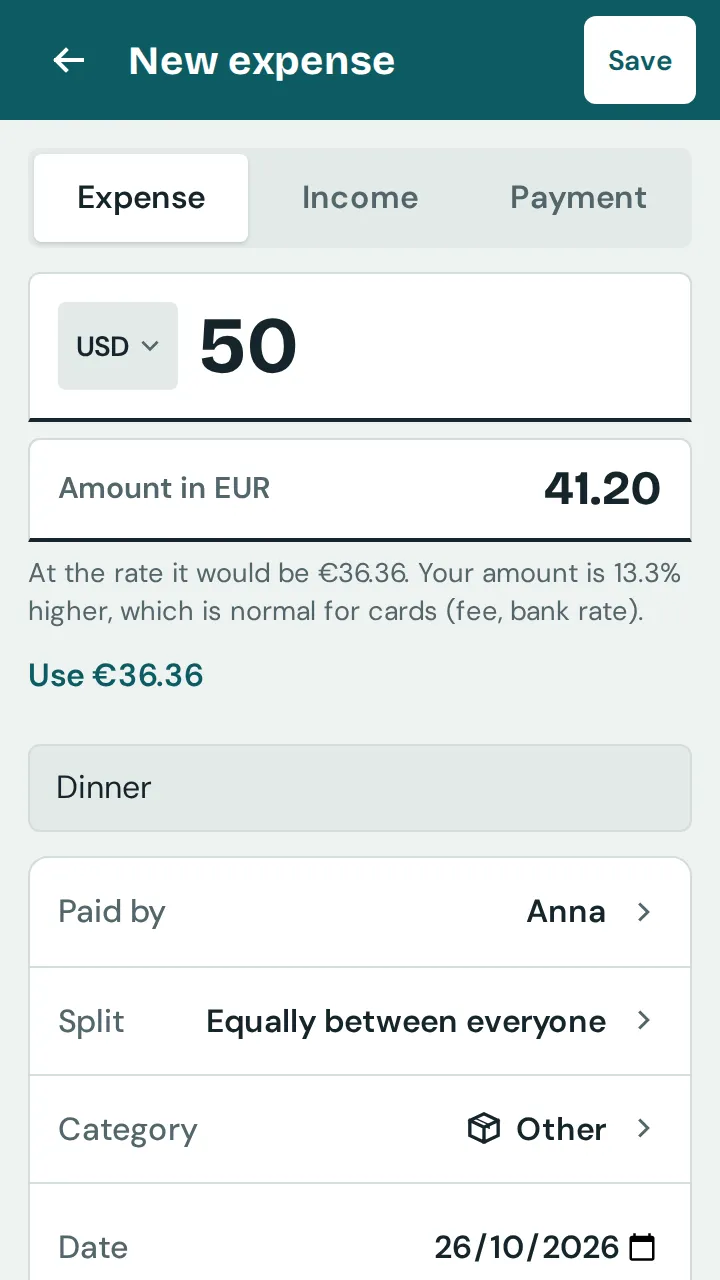
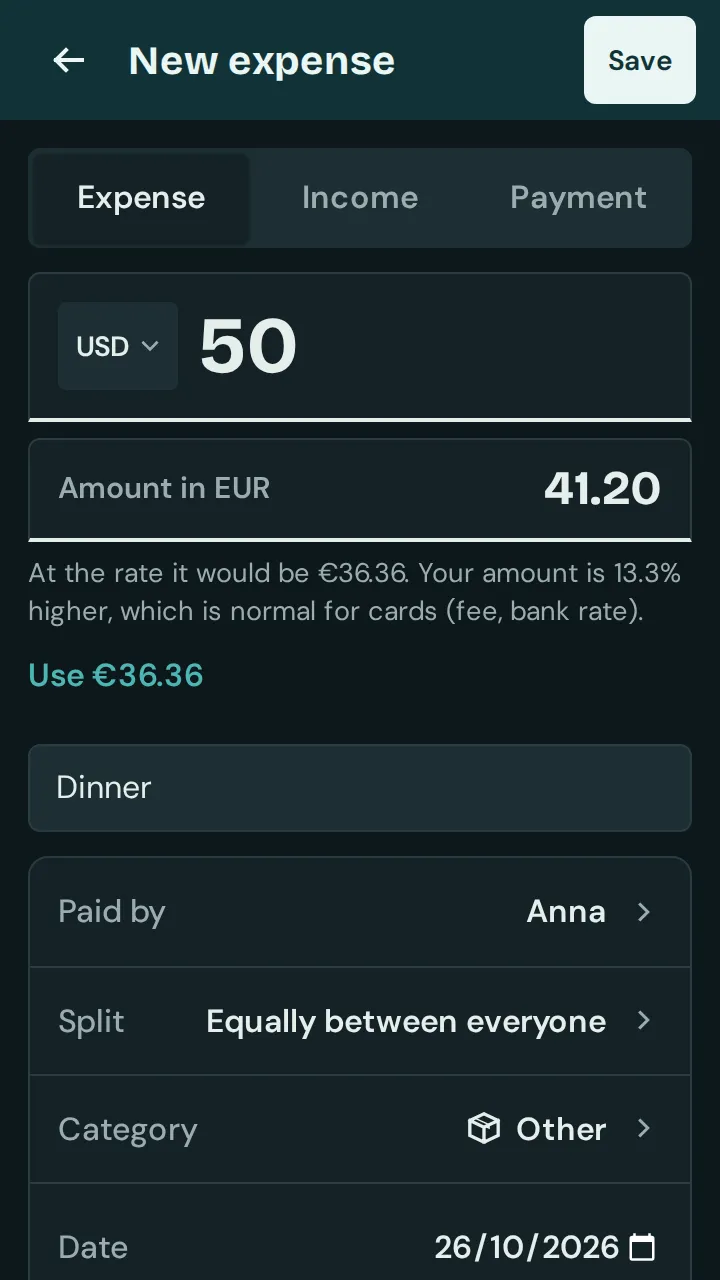
In “New expense”, tap the currency code next to the amount, for example “EUR”, and choose the currency you paid in.
Enter the amount in that currency. Below, Isshio converts it into the group currency at the day’s rate.
Paid by card? In the field below, for example “Amount in EUR”, enter the amount from your card statement. The app calculates with that amount; the original amount stays on the entry.
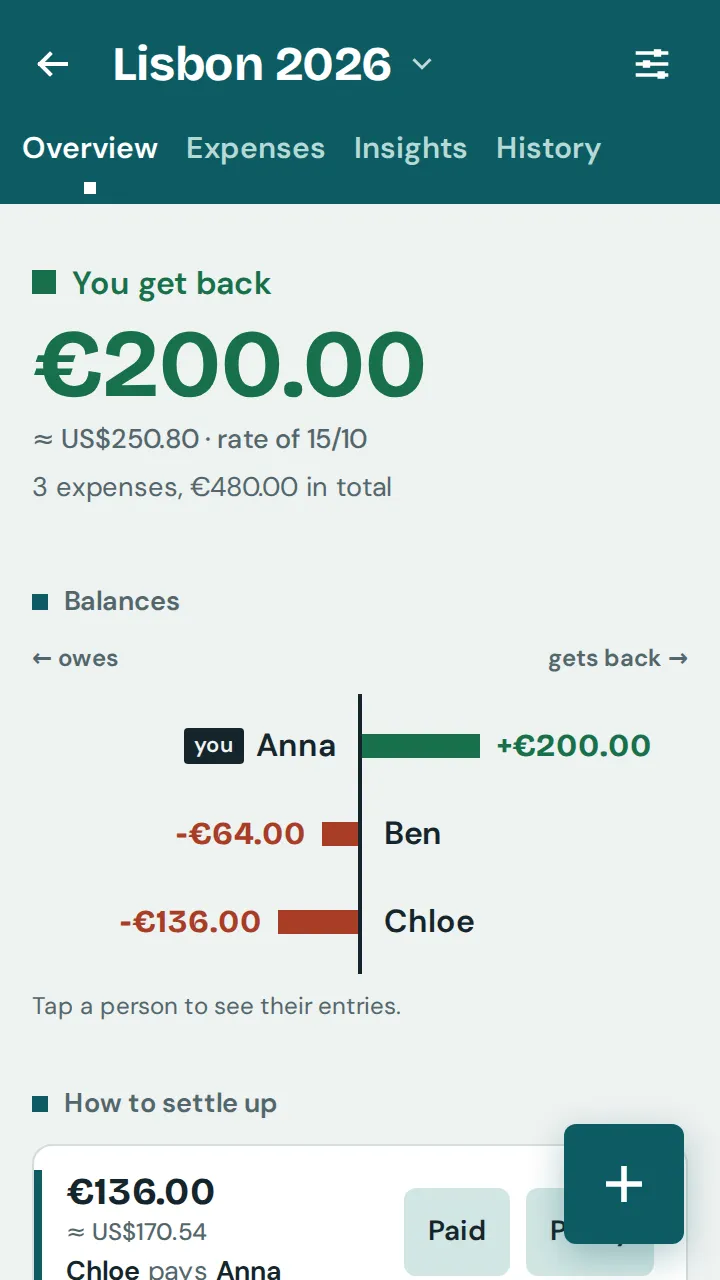
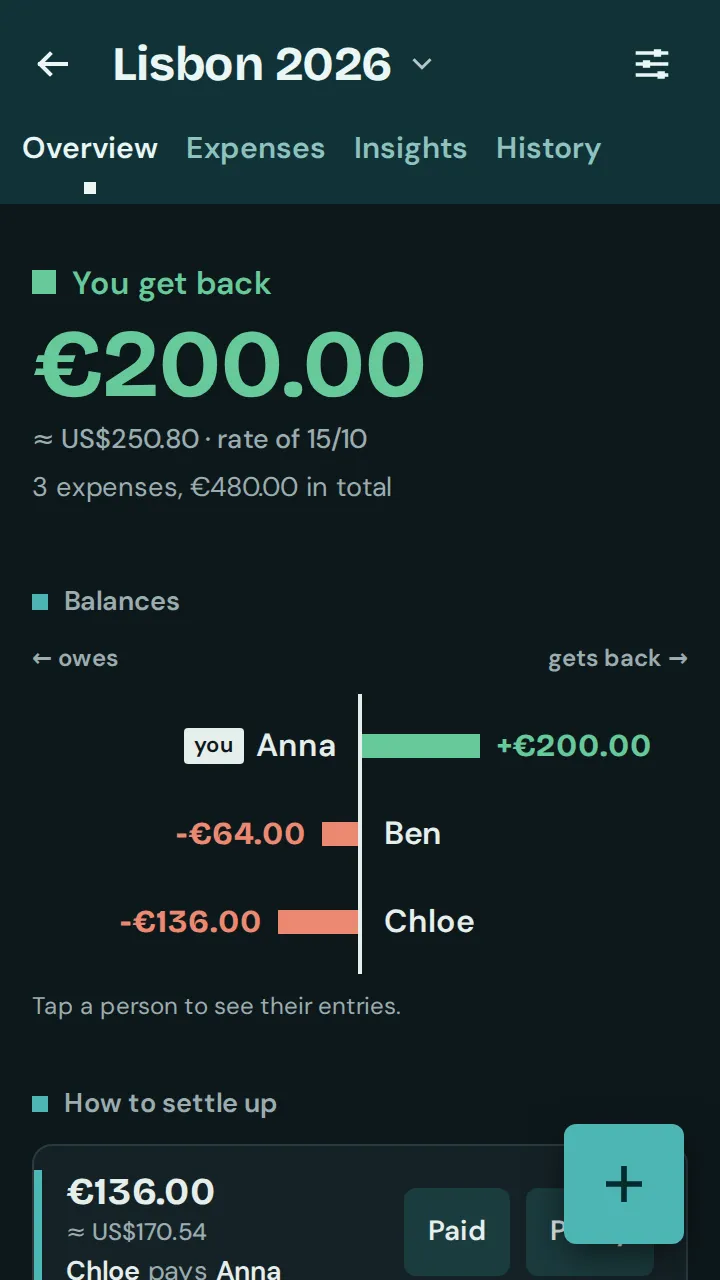
To see all amounts in a second currency too: in the group’s settings under “Currency and conversion”, tap “Conversion” and choose a currency for “Also show amounts in”. The amounts then appear small next to them with “≈”.
Did you exchange money at a fixed rate? Enter it on the same page under “Own rate”. It then applies for everyone in the group instead of the daily rates.
On a trip, should all new expenses start in the local currency? In the group’s settings under “Currency and conversion”, choose the currency for “New entries in”. This applies to everyone in the group; existing entries stay. After the trip, “Back to EUR” switches it back.