Create a group
A group collects the shared expenses of several people.
How it works
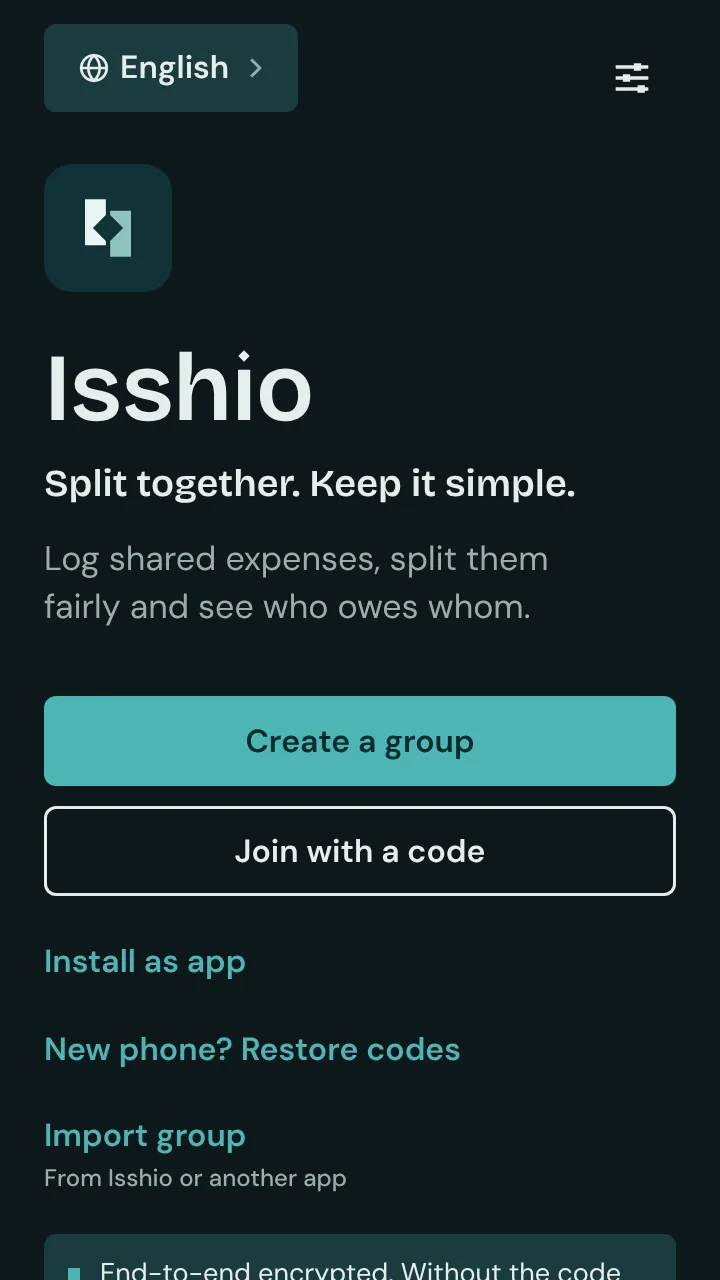
On the start screen, tap “Create a group”.
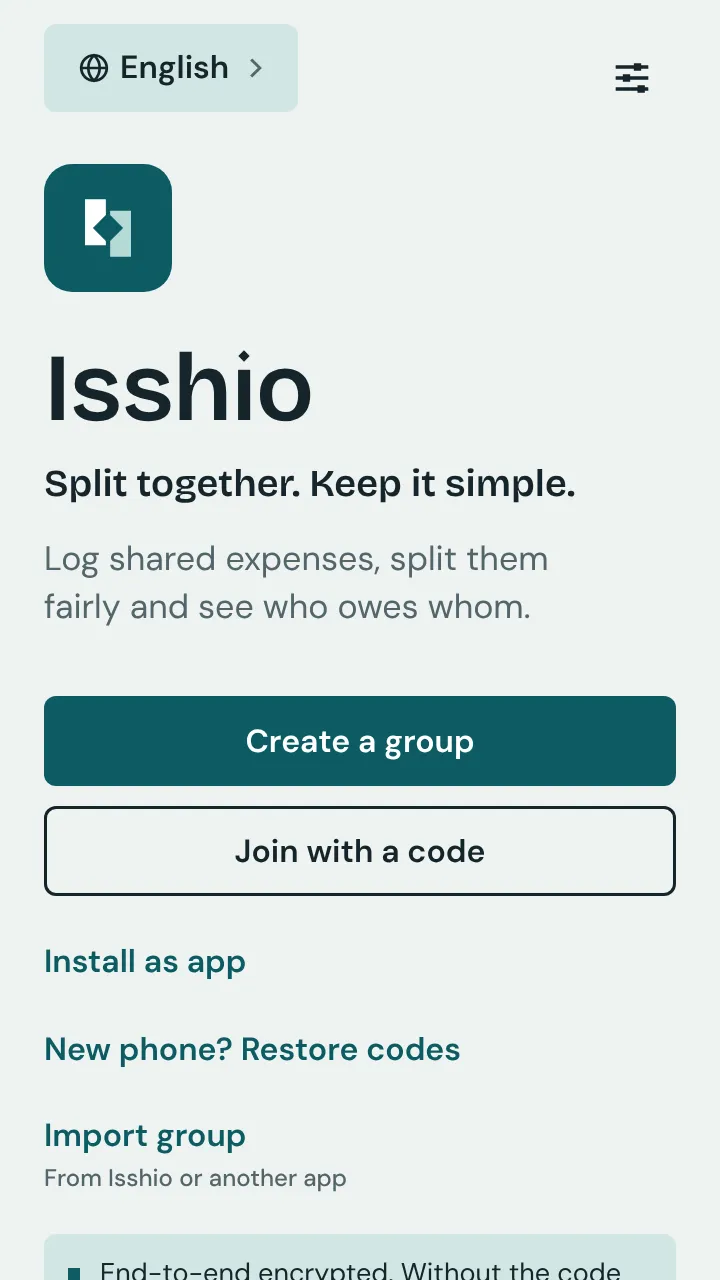
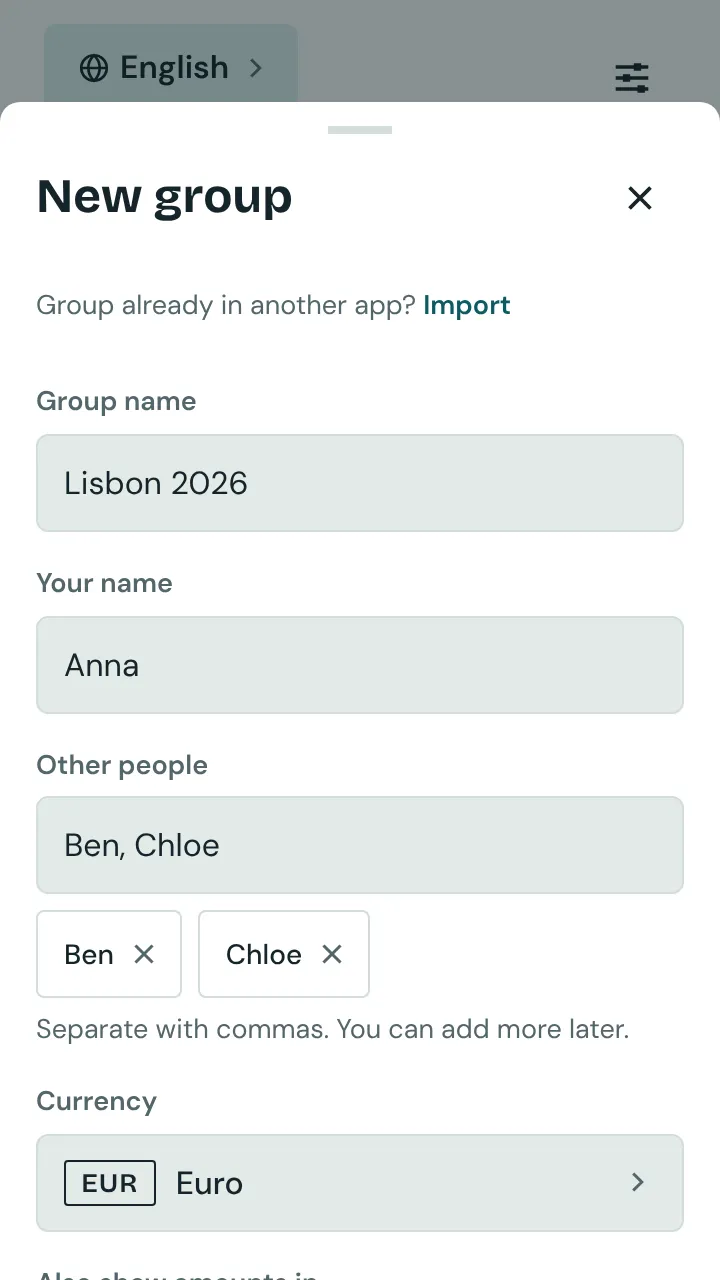
Give the group a name and enter your name under “Your name”.
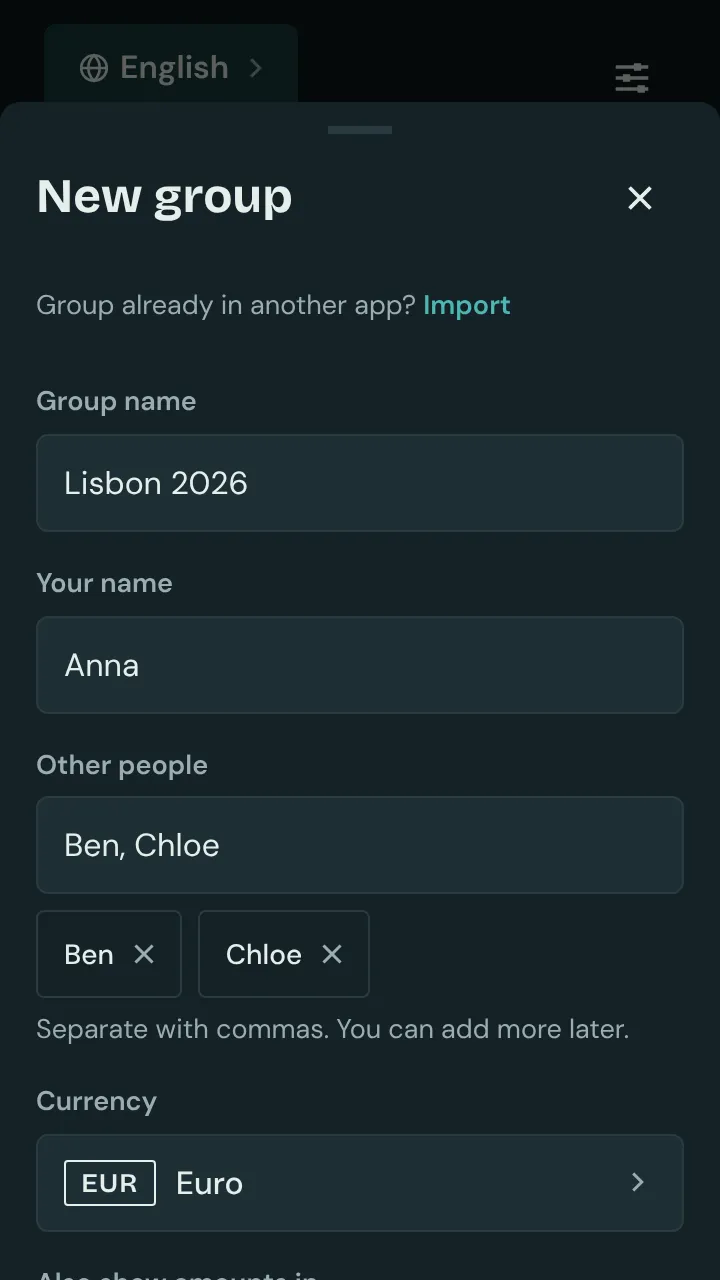
Add the others under “Other people”, separated by commas. You can add more people later.
Choose the currency and tap “Create group”.
Good to know: Your friends join with the group code or an invite link. Without the code, nobody can read the group.