Adding income
When the group gets money back, such as a deposit, a refunded hotel room or a bottle deposit, it usually lands with one person. Income lets Isshio split that amount among everyone again.
How it works
Open the group, tap + at the bottom right and then “Income”.
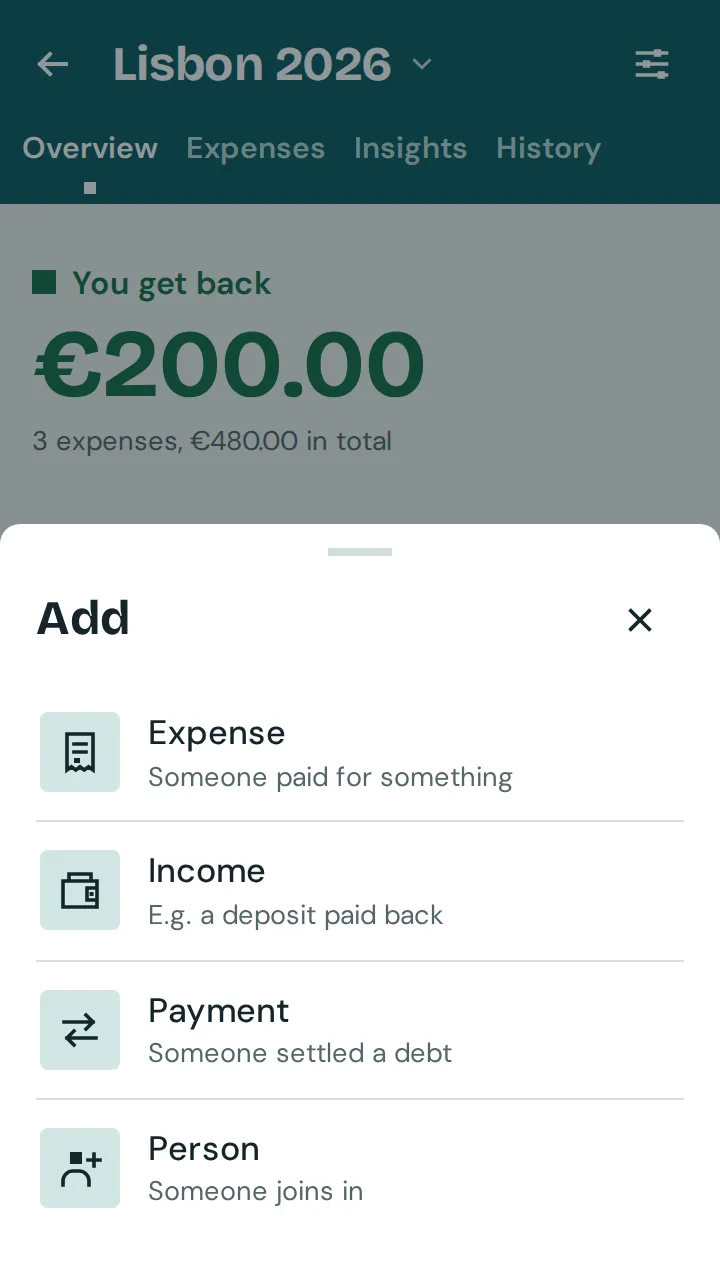
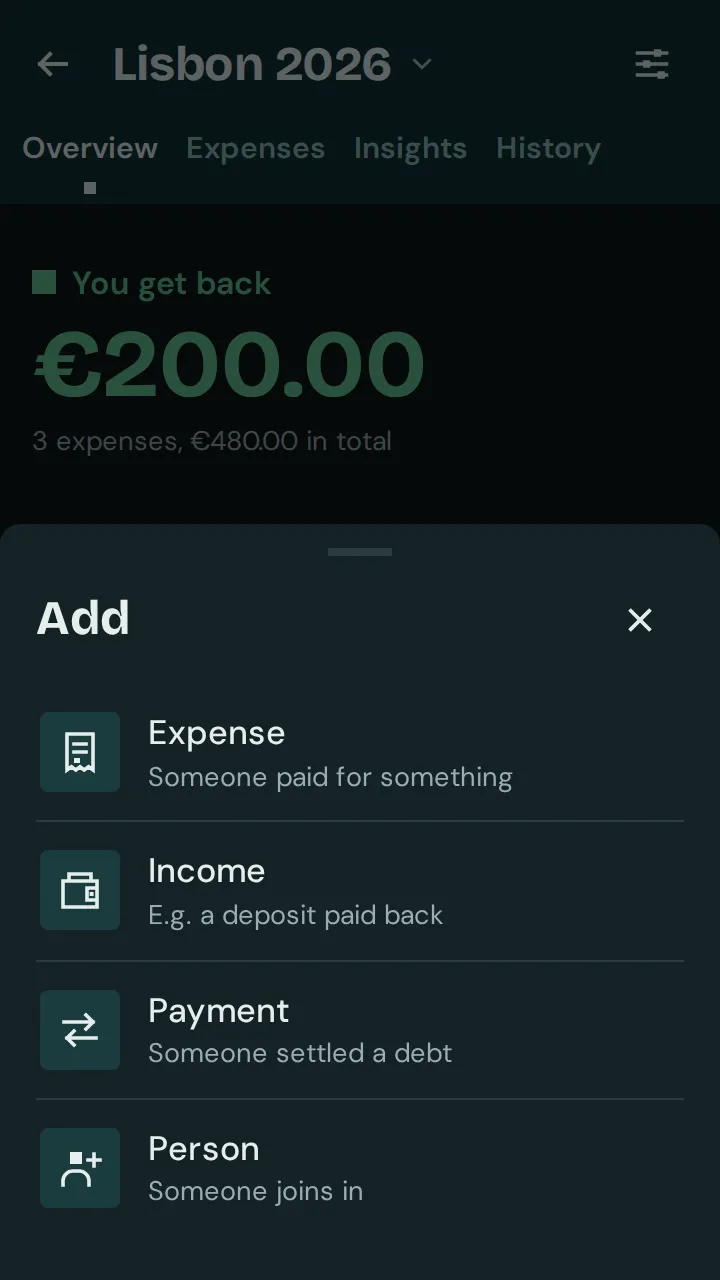
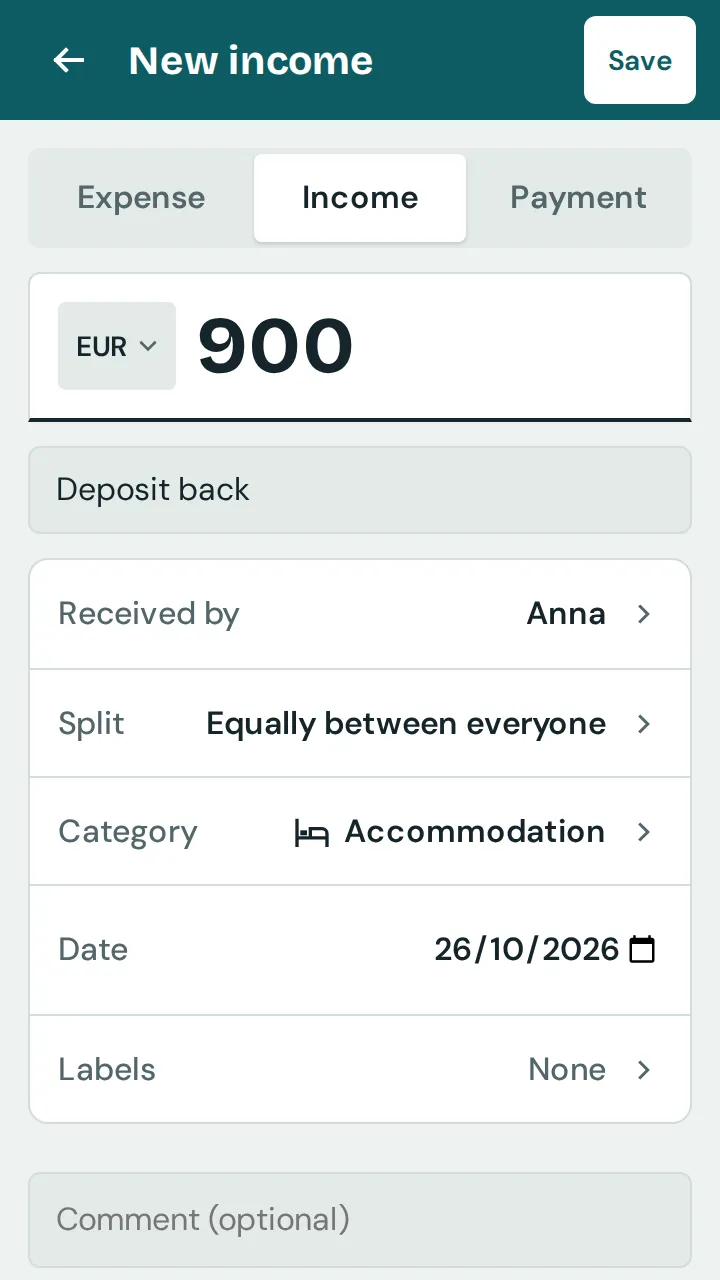
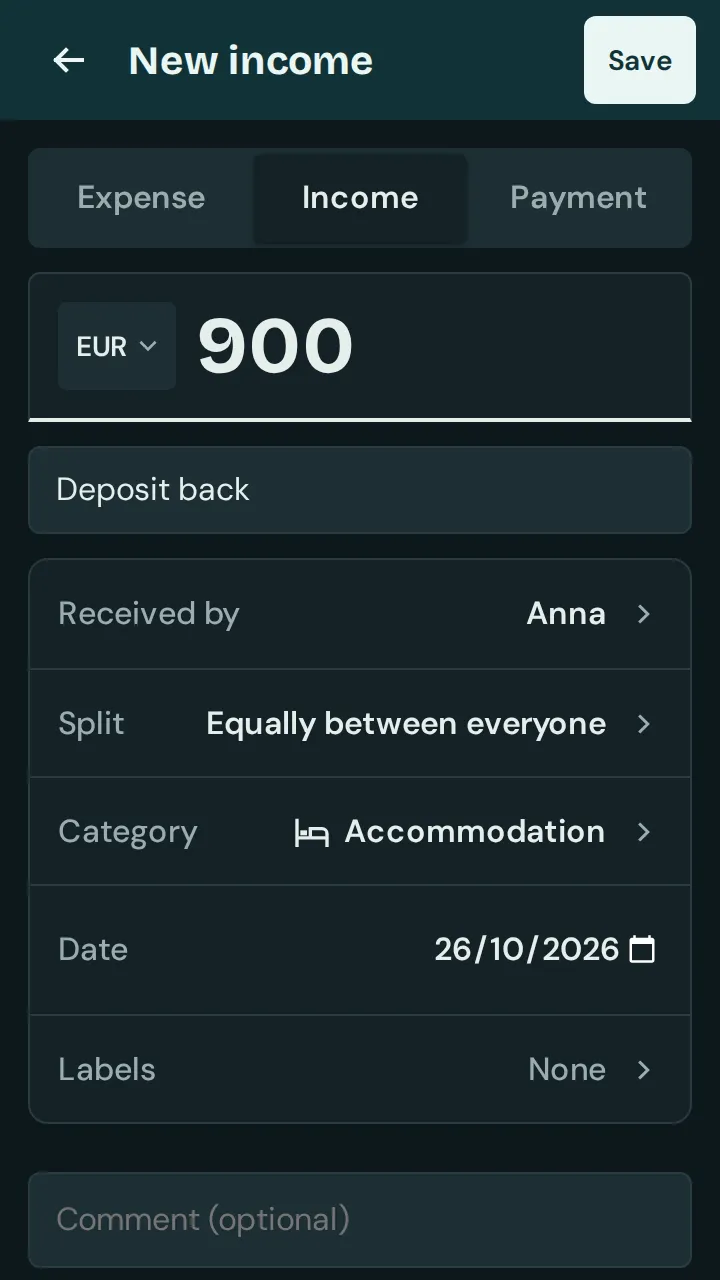
Enter the amount and what it’s for, for example “Deposit back”. Choose “Category” and “Labels” as for an expense.
Under “Received by”, choose who got the money.
Under “Split”, choose who the money belongs to, usually everyone who paid at the time. Then tap “Save”.
Good to know: Whoever received the money passes on everyone’s share: in the balance, they owe it to the others. A deposit paid and returned comes out as “settled” again. In “Insights”, income is shown separately under “Income”; in Excel and CSV it has a minus sign.