Recurring expenses
Add fixed costs such as rent once. Isshio then repeats them daily, weekly or monthly.
How it works
Add the expense as usual, with the date of the first time. Tap “Repeat” and choose “Daily”, “Weekly” or “Monthly”. Under “Ends on” you can set an end.
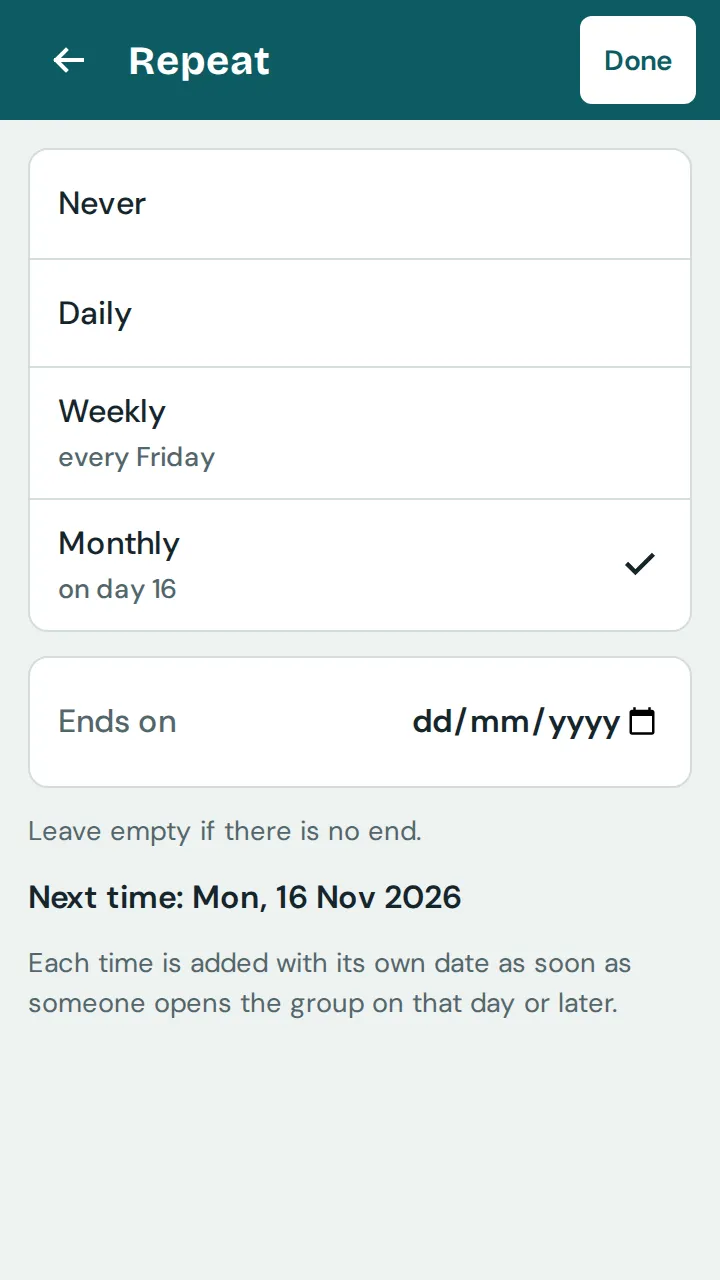
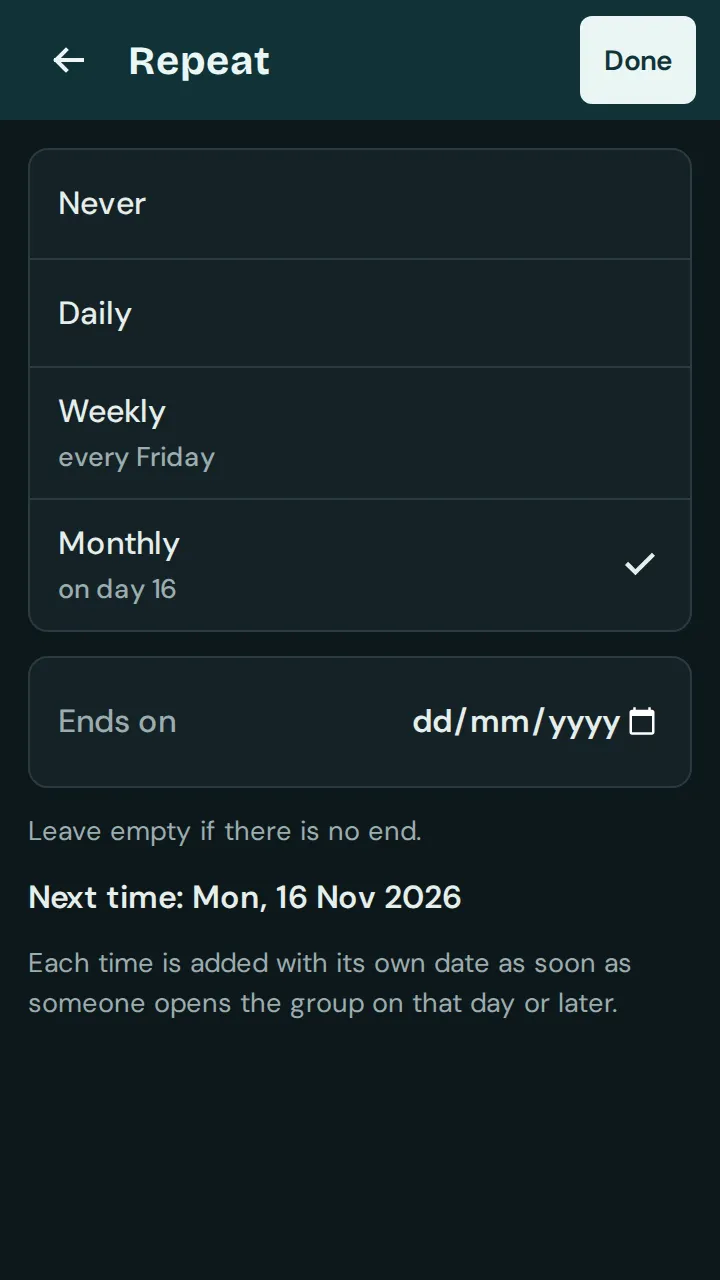
Tap “Done” and “Save”. If the date is in the past, the app adds the times that are already due straight away.
Running rules are at the top of the “Expenses” tab under “Recurring”. Tap a rule to change the amount, split, “Rhythm”, “Next time” or the end.
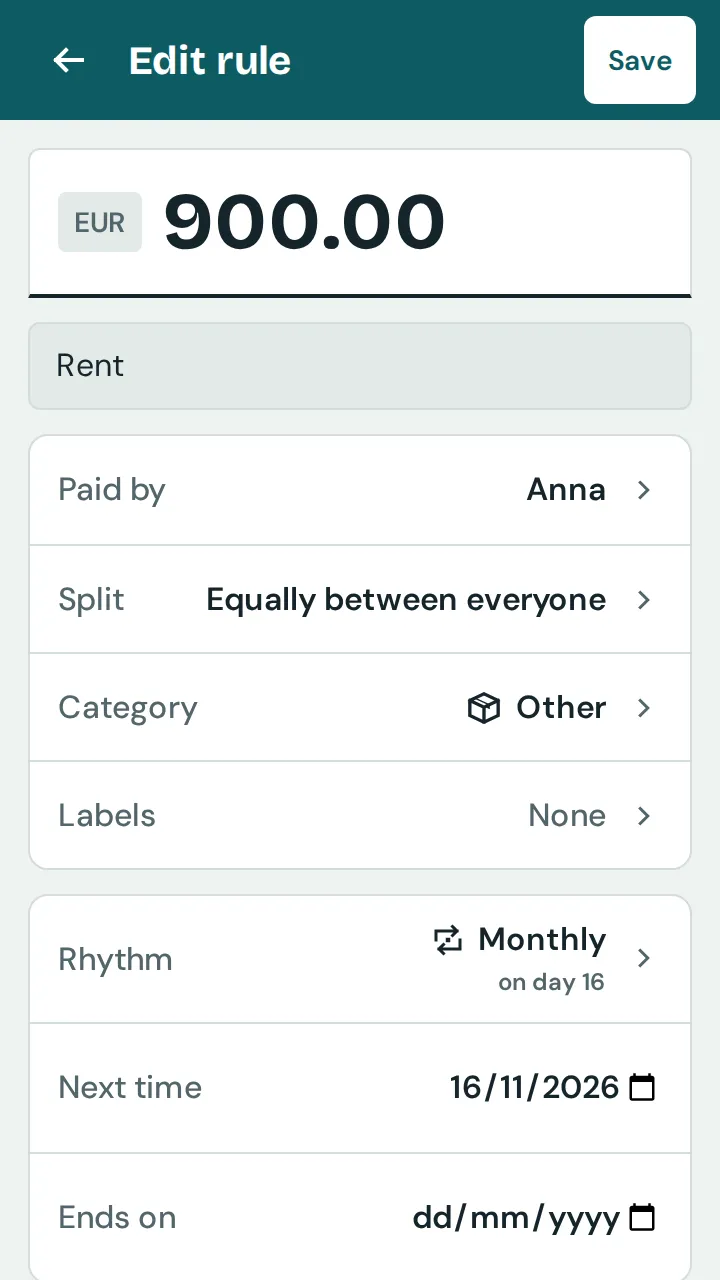
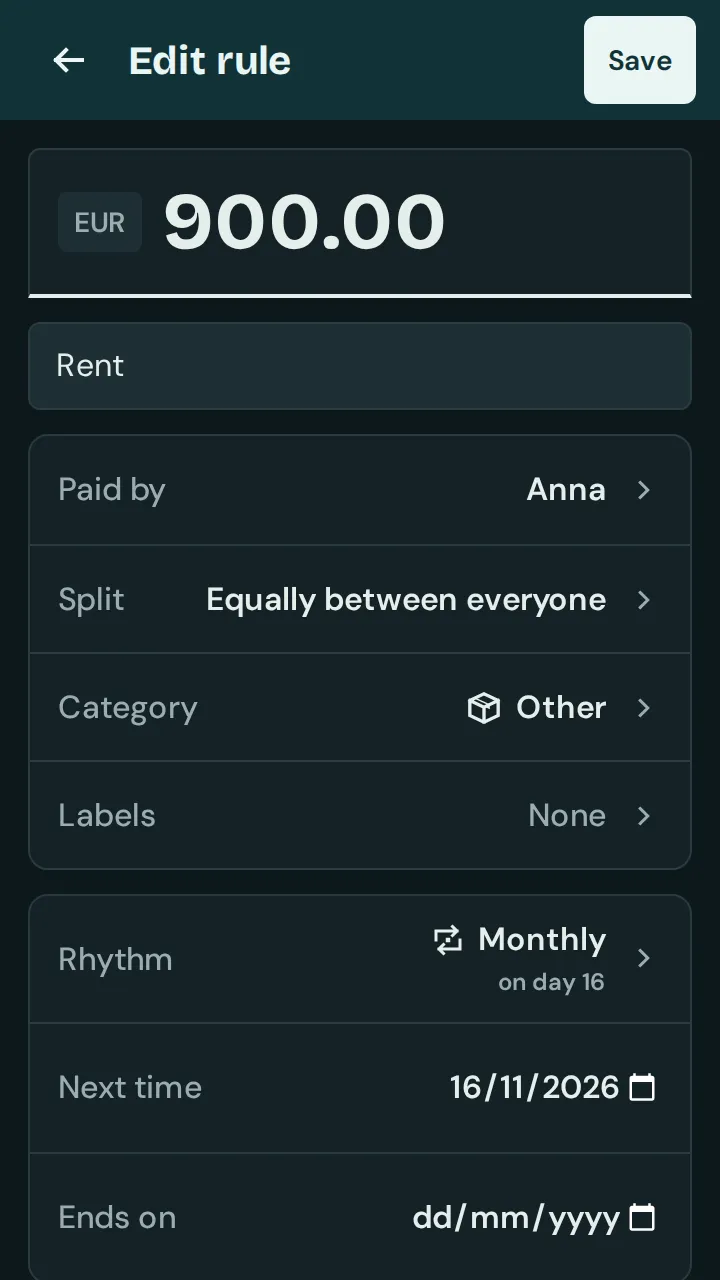
Changes to the rule apply from the next time; earlier expenses stay as they are. “Stop repeating” ends the rule, “Delete series” deletes all expenses in the series.
If you change a single expense in the series, the change applies to that time only. When you delete one, the app asks: “Delete this time only” or “Delete whole series”.