Splitting
Not every expense is the same for everyone. Under “Split” you decide who carries which part.
How it works
In “New expense”, tap “Split”. At the top you choose how to split.
“Equally”: tap the people who took part. “All” selects everyone.
“Percent” or “Amounts”: enter a value for each person. The app shows what is still missing; “Split evenly” divides the percentages evenly.
“Shares”: give each person a number, for example 2 for a couple and 0.5 for a child. “Each 1” sets everyone to 1.
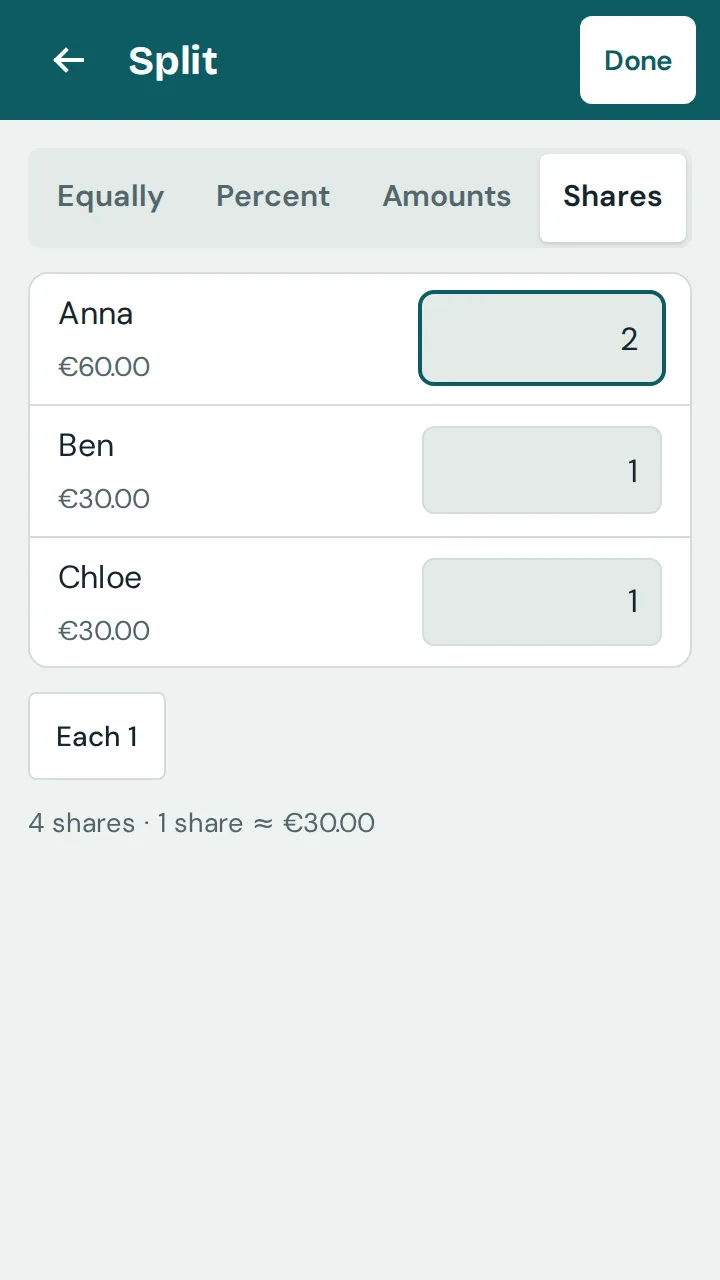
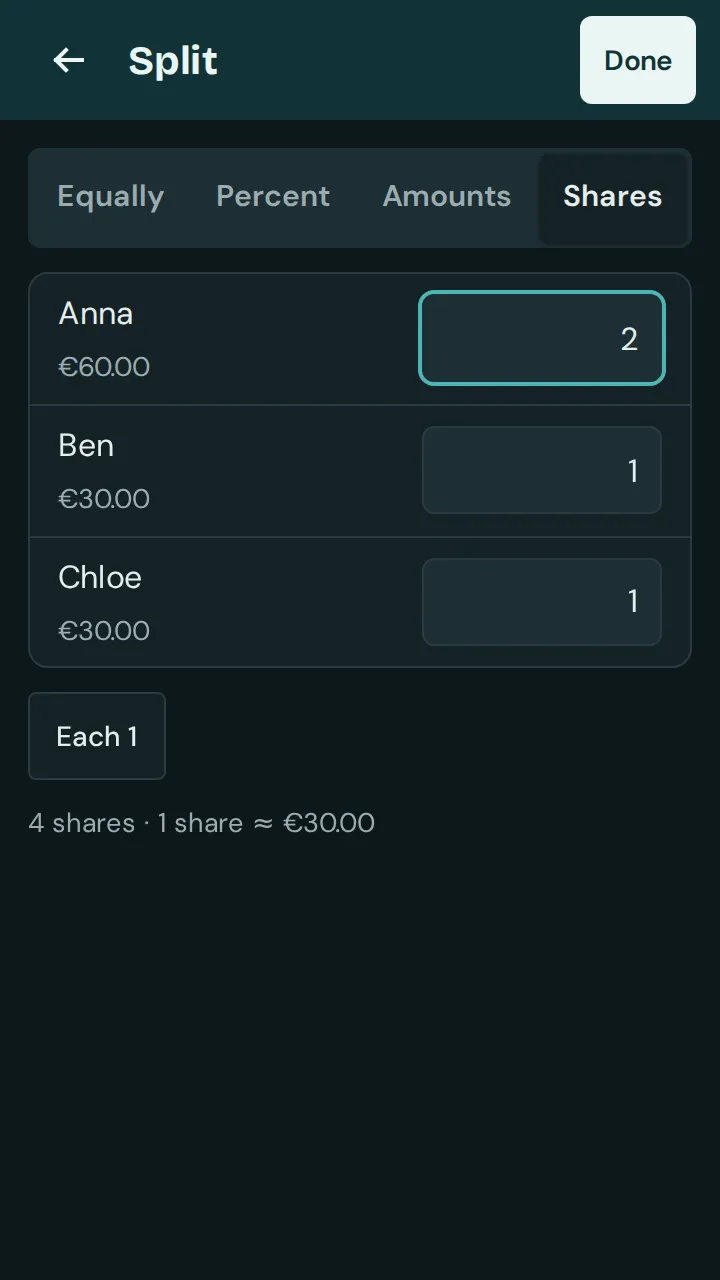
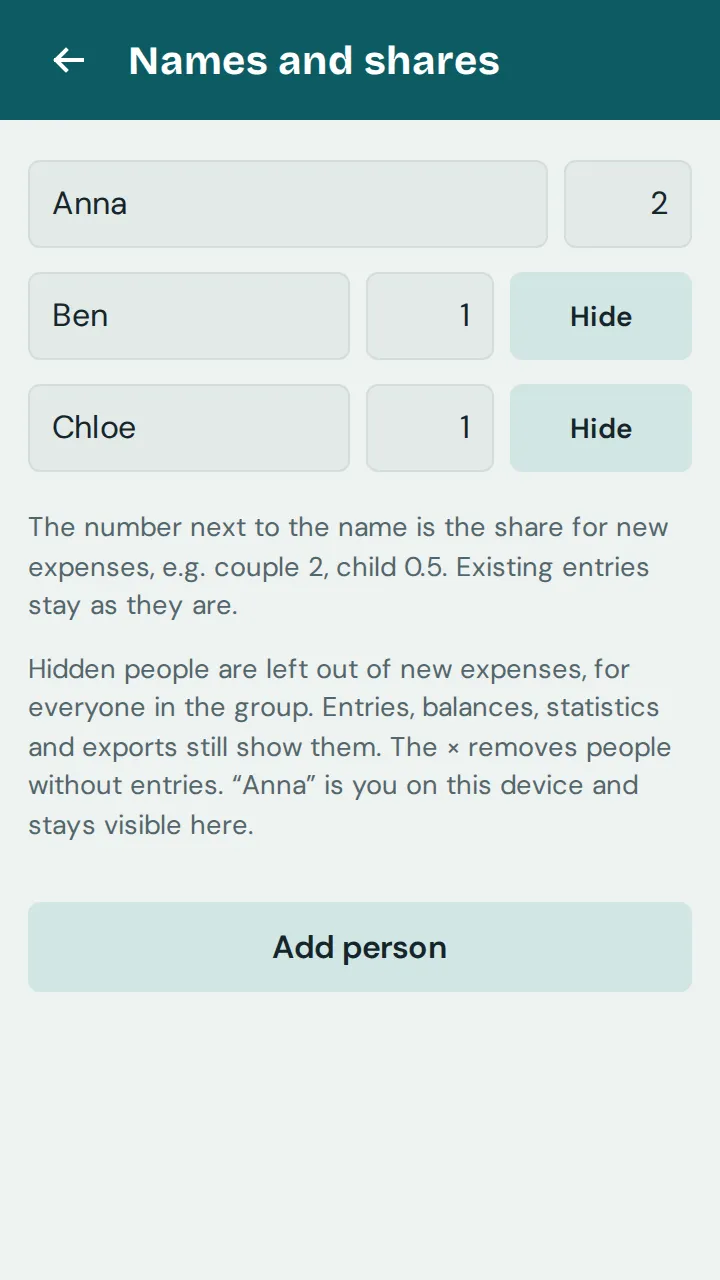
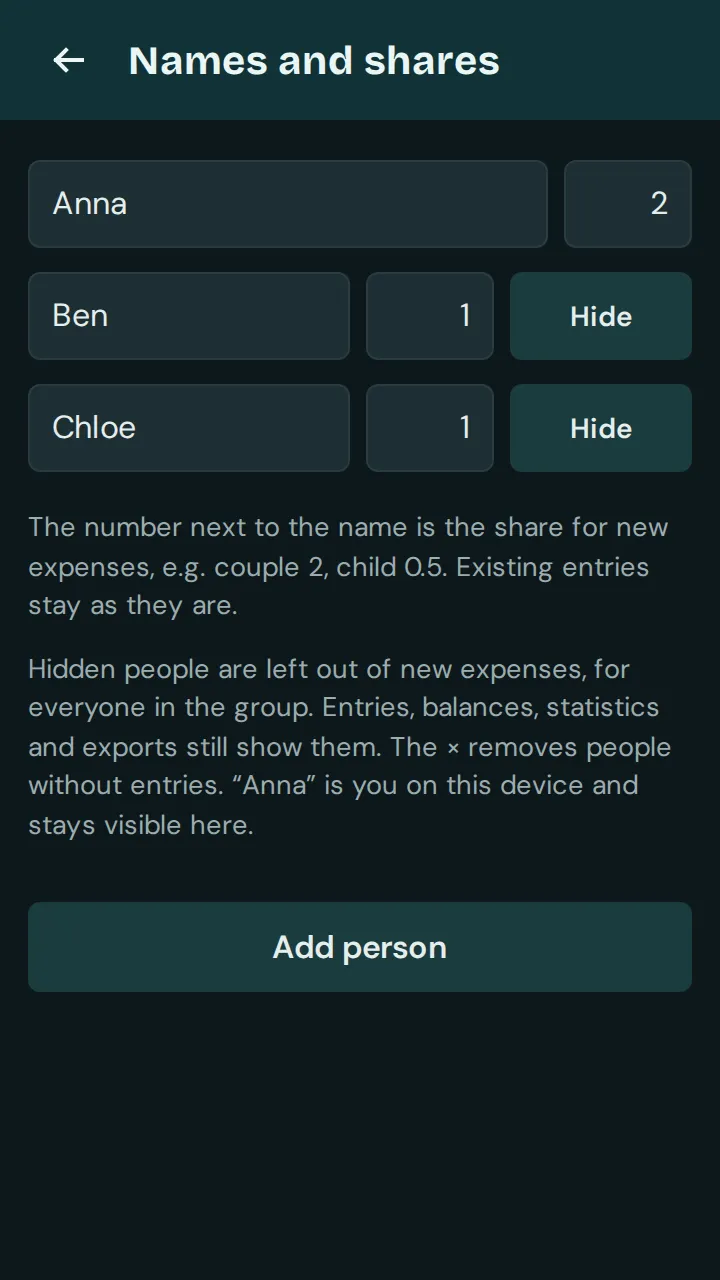
Does someone usually pay a different part, such as a couple paying double? In the group’s settings, tap “Names and shares” under “People” and enter the default share next to each name. New expenses then start with these shares.
Good to know: Isshio calculates to the cent. Leftover cents go to individual people so the total always adds up. Existing entries do not change when you set default shares.