Settle up
The overview shows who gets or owes money, and which payments make you even.
How it works
Open the “Overview” tab. Under “How to settle up” you see every payment needed, for example “Ben pays Anna”.
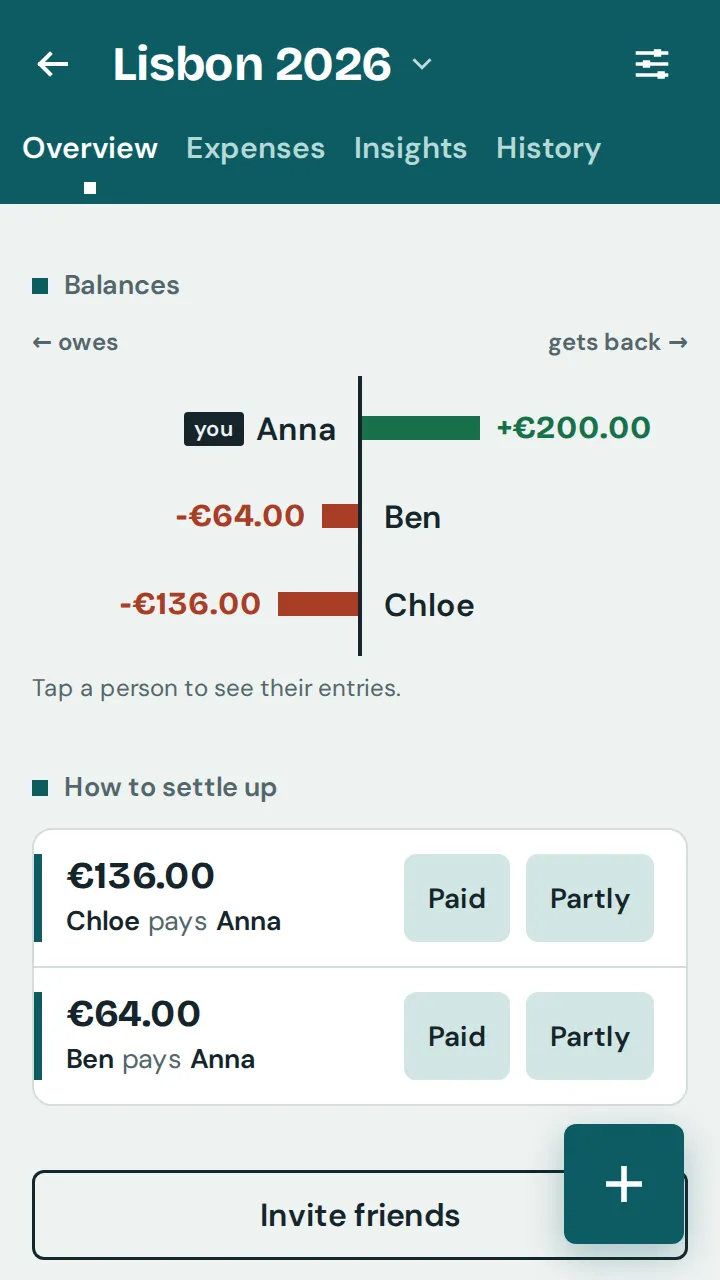
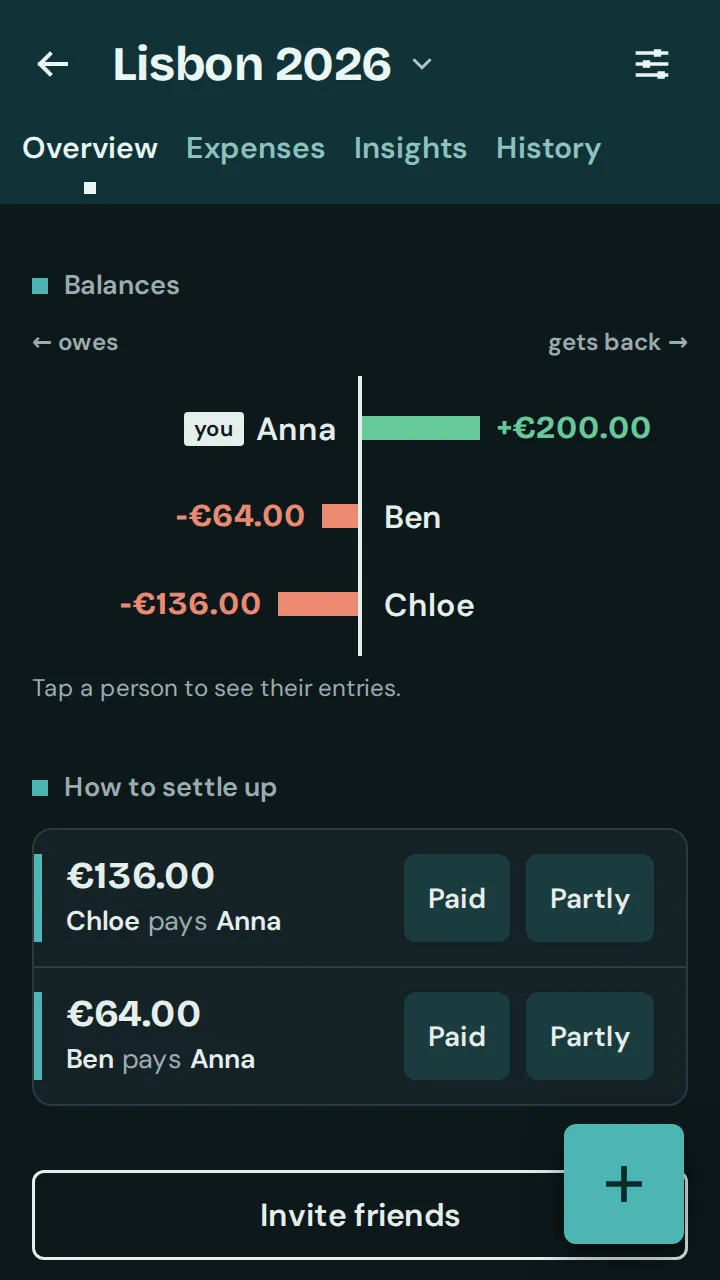
Once the full amount has been transferred, tap “Paid”. The payment is recorded; tap “Undo” if it was a mistake.
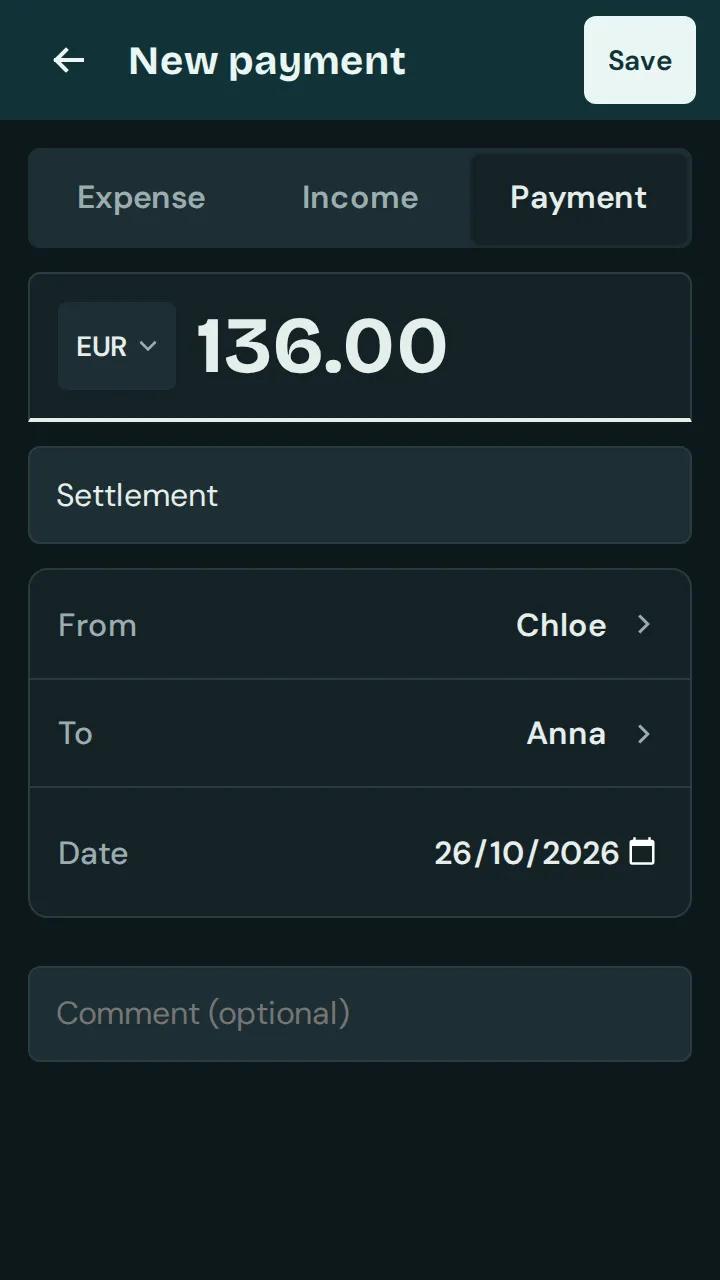
If only part was paid, tap “Partly”, change the amount and tap “Save”.
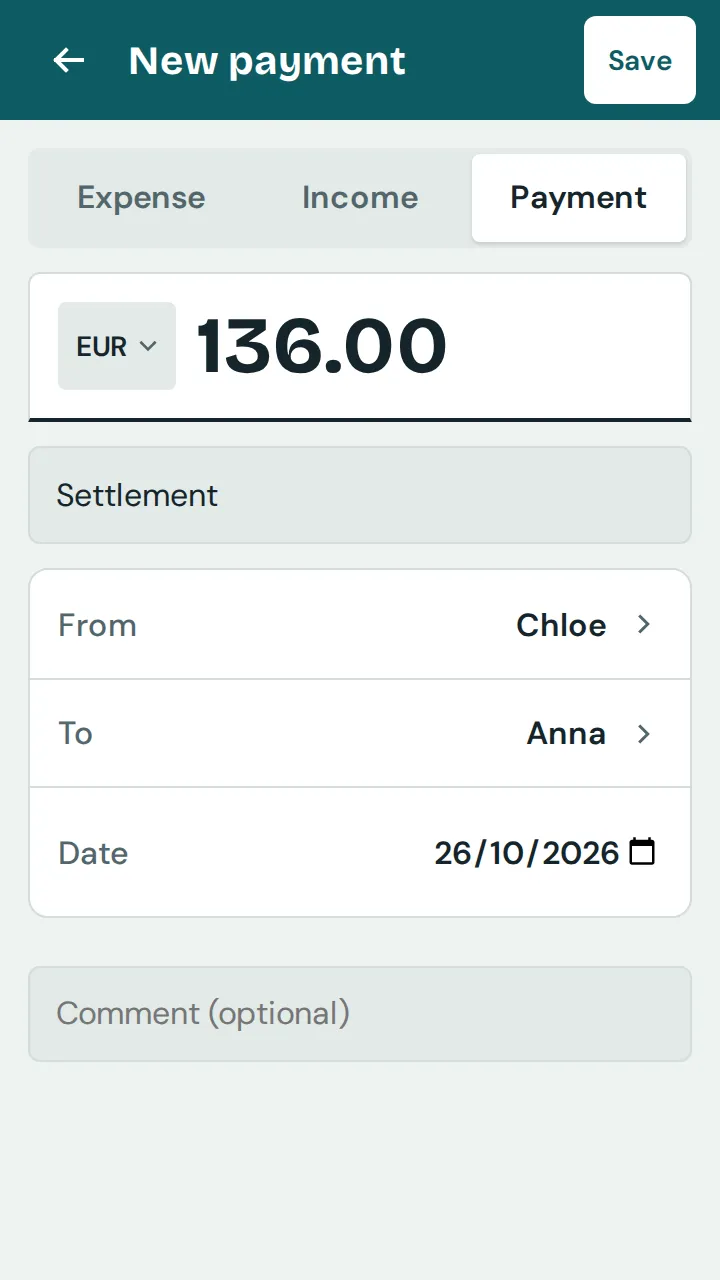
When all payments are recorded, it says “All settled.”
Good to know: Tap a person in the overview to see their entries and how their balance comes about.