Backup and restore
Your group codes are only stored on your device. With a backup you get all groups back, for example on a new phone.
How it works
On the home screen, tap “Settings” at the top right and, under “My codes”, tap “Back up codes”.
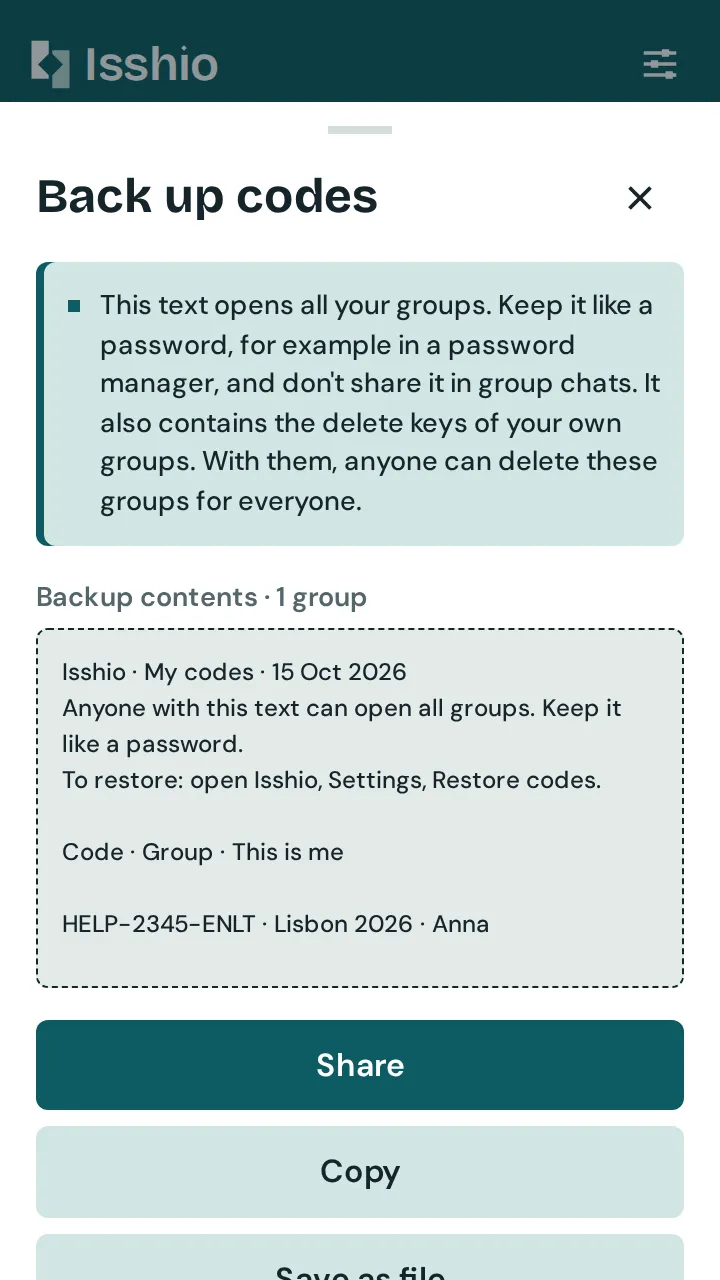
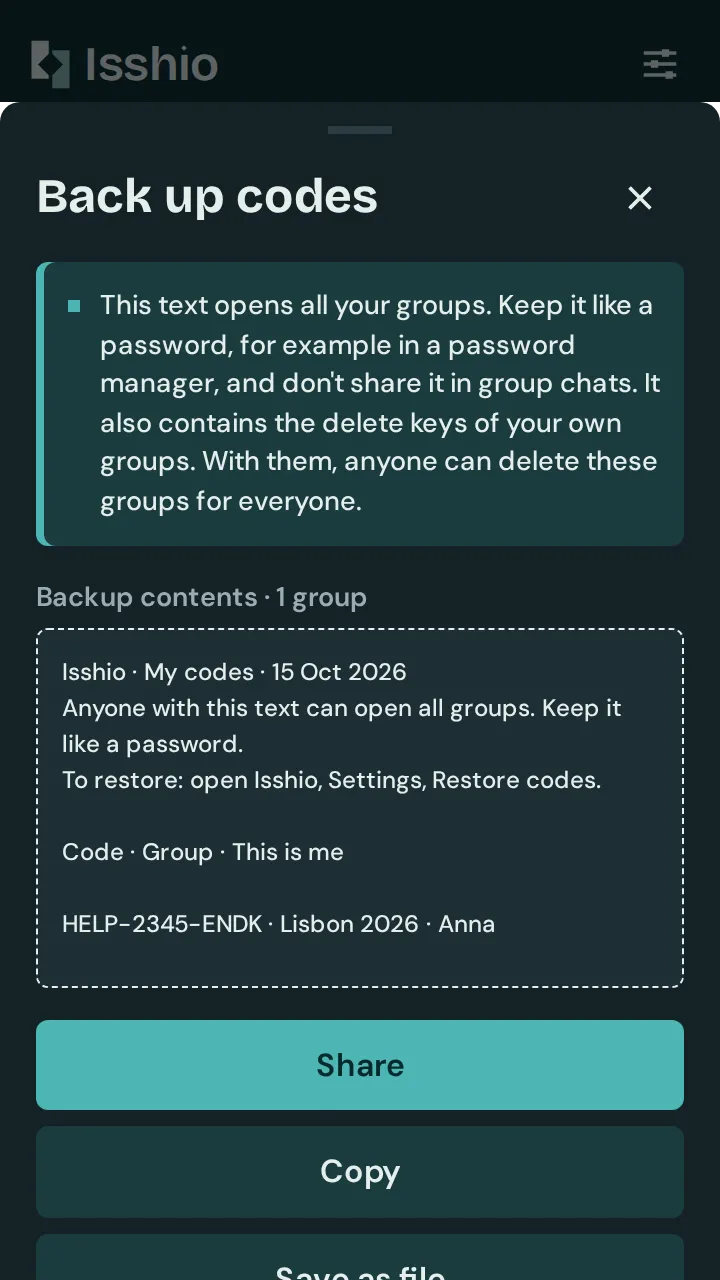
Choose “Share”, “Copy” or “Save as file”. Keep the text like a password, for example in a password manager.
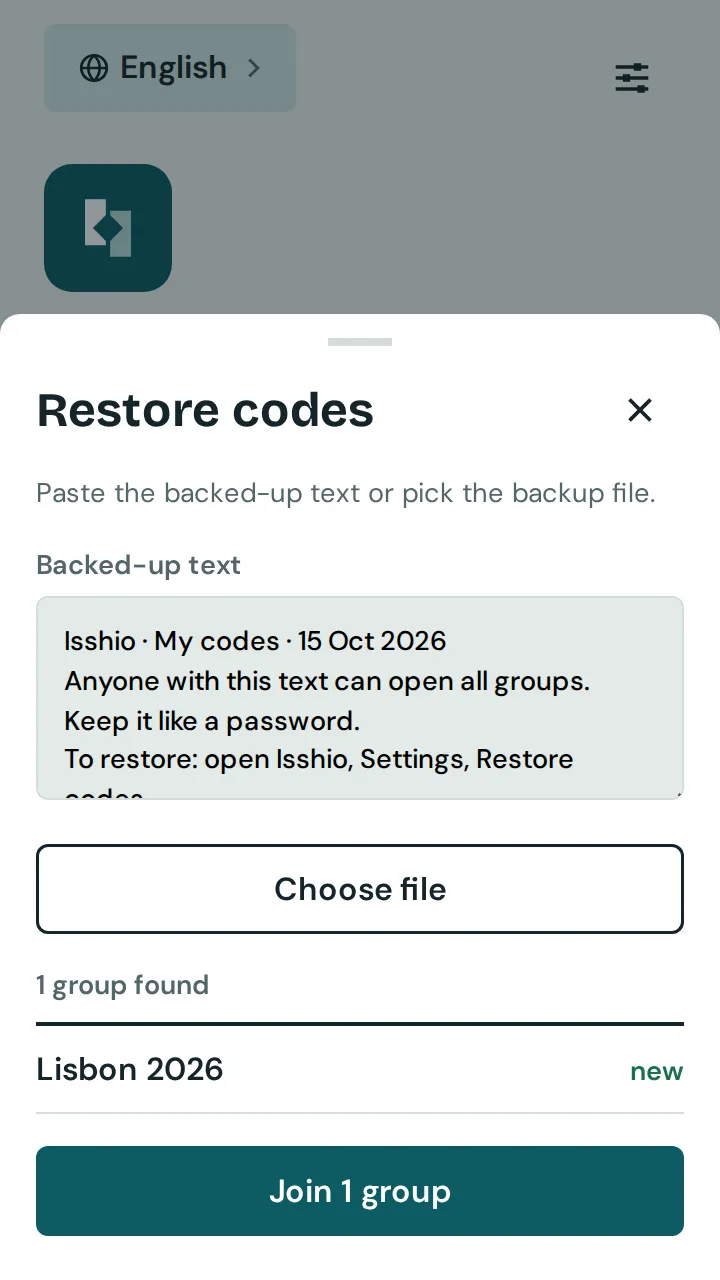
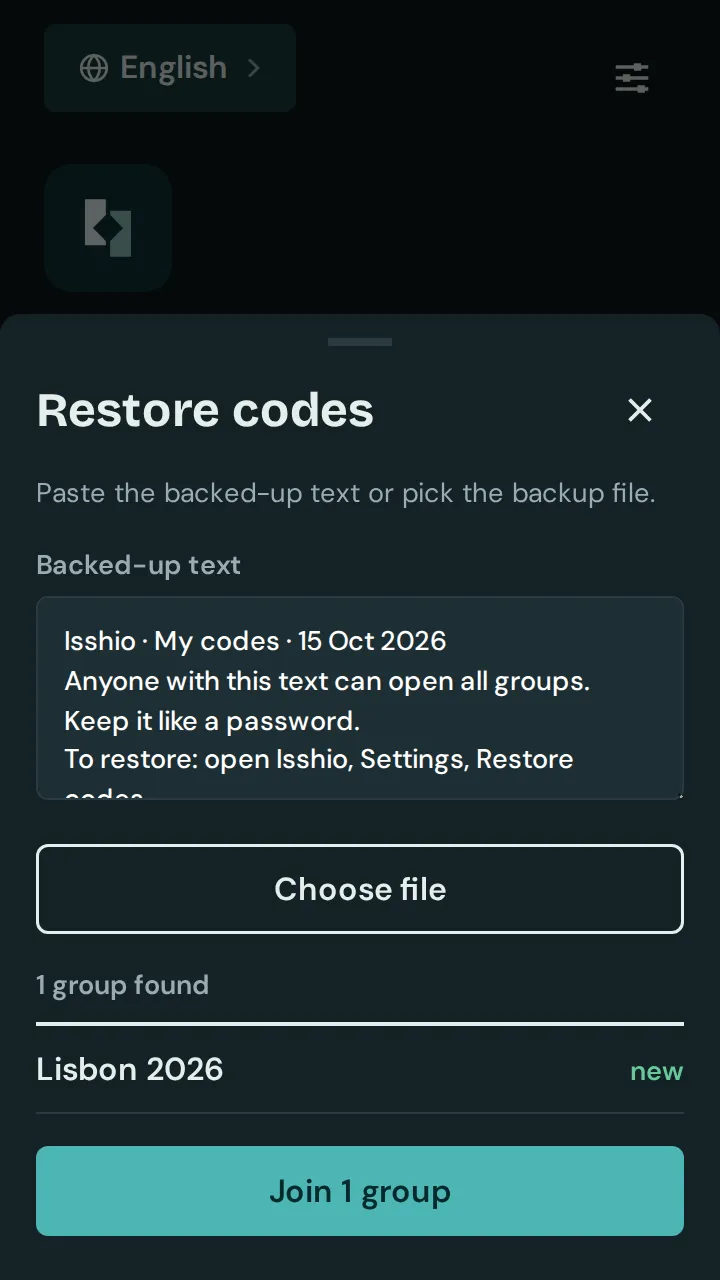
On the new phone: open Isshio and tap “New phone? Restore codes”, or tap “Restore codes” in the settings. Paste the text or tap “Choose file”.
Tap the button to join, for example “Join 2 groups”. You can then also delete and restore your own groups on the new phone.
Deleted? The creator can bring back a deleted group for 30 days with “Restore”, in the group list or in the group. If nobody opens a group for 24 months, the server deletes it; then every member can restore it for 30 days.